


Start with the document you have
If the document is on paper, scan it with your phone and save it as a PDF. If you already have a PDF, import it into ProperPDF's library so you can open it and choose the tool you need.
The library gives you a place to find, rename, share, or delete saved files. For a quick read, use the built-in viewer and move between pages without switching apps.
Prepare the file
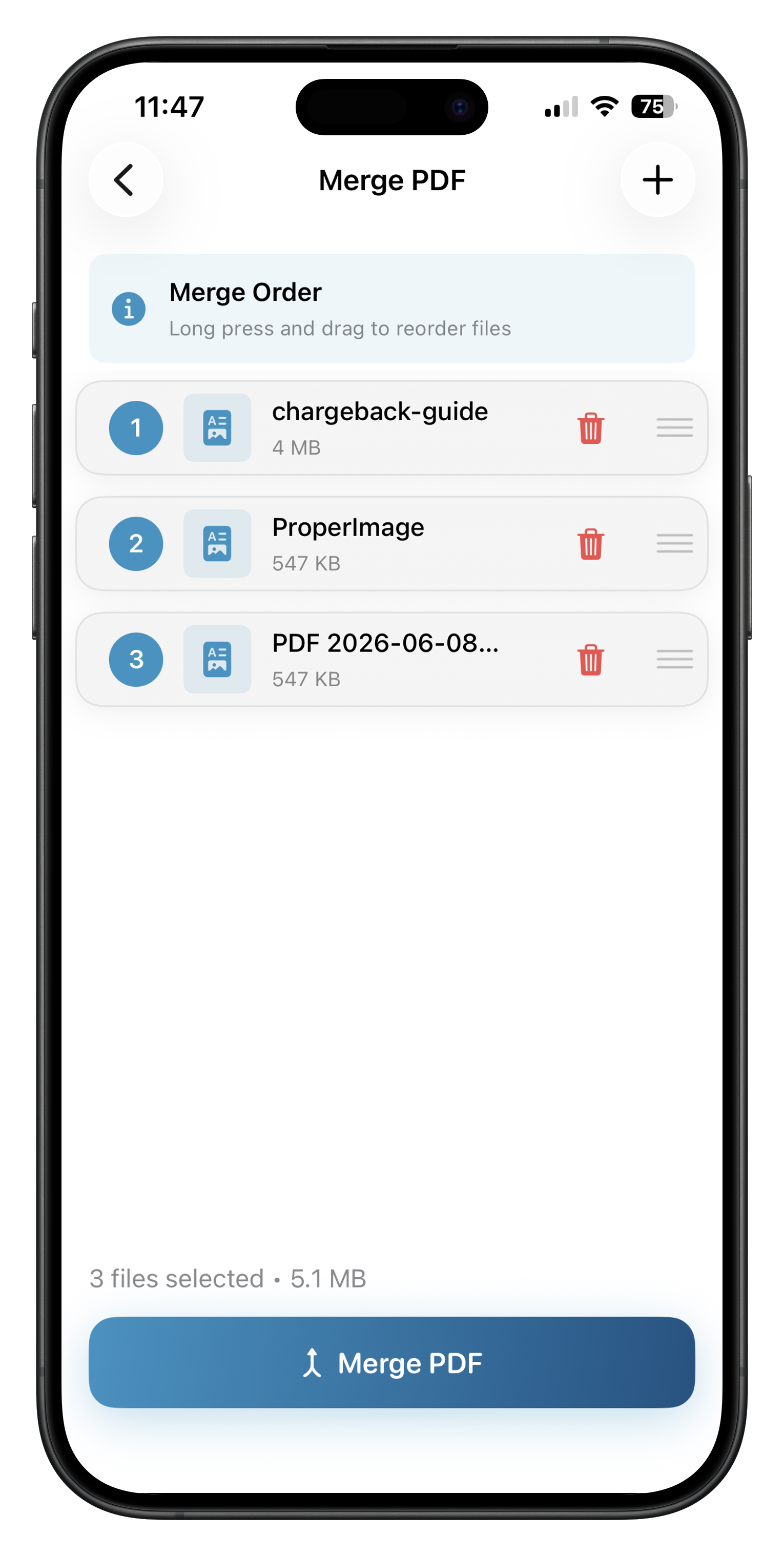
Use Merge PDF to bring related files together, or Split PDF to extract just the pages you need. Organize Pages can reorder, rotate, or remove pages after that. If you have photos instead of a document, Image to PDF turns them into a multi-page PDF.
For a file that is hard to send, compress a copy and compare it with the original. You can also export individual pages as PNG or JPEG images when an image format is more useful.
Finish and share
ProperPDF can add a signature, fill PDF form fields, and password-protect a document. These tools are marked Pro on iOS. Once the PDF looks right, share it through the device's normal share sheet.
The PDF processing runs locally. On-device AI can help answer questions about a document or summarize it; depending on the device, its model may need a one-time download first.