


Scan where the paperwork happens
A phone camera is often the quickest way to capture a receipt, form, or handwritten page. ProperPDF can turn captured pages into a PDF that stays in your app library.
Good lighting and a flat page help produce a clearer scan.
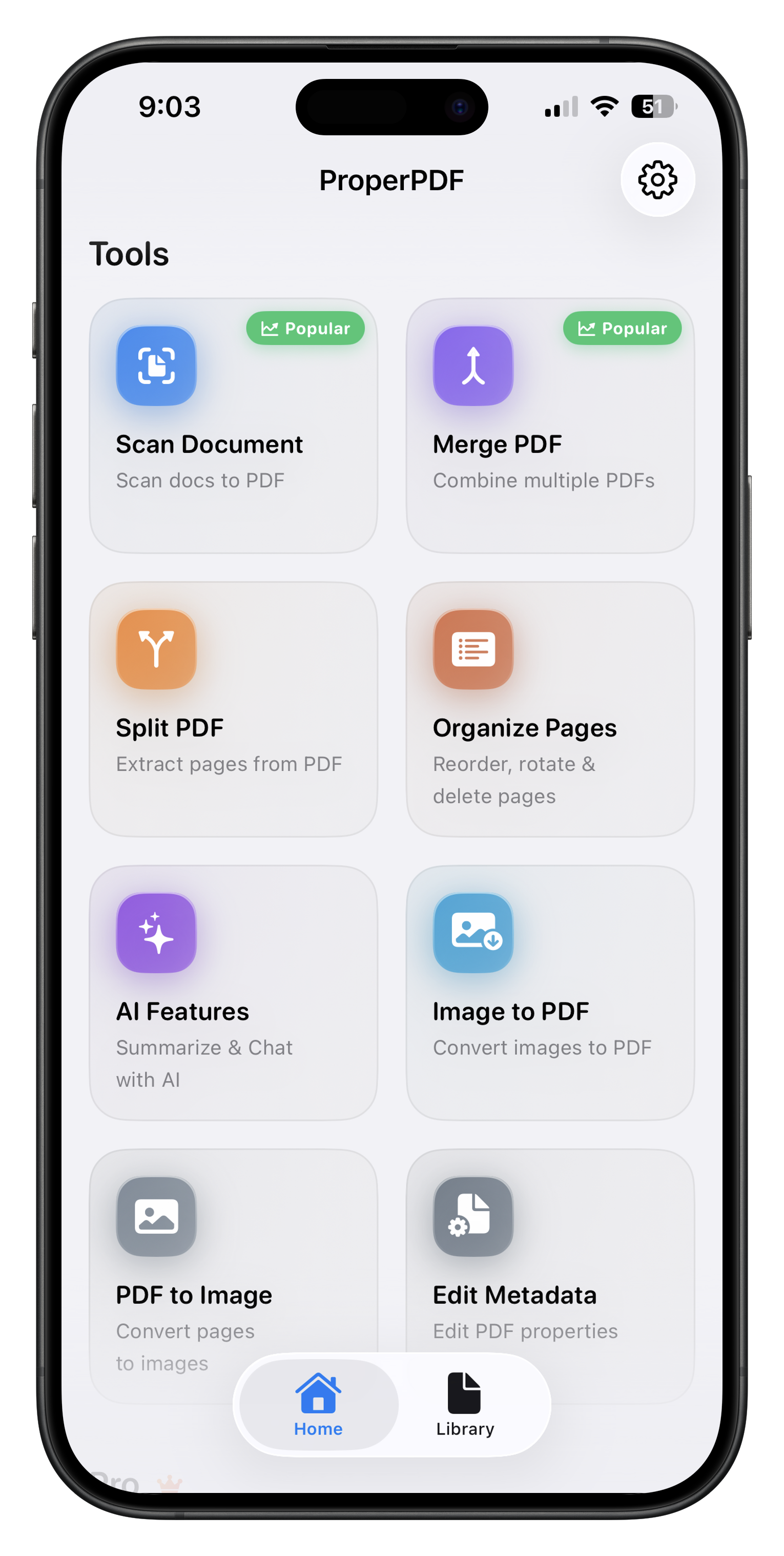
How to scan to PDF
Open the scan tool, capture each page, review the page order, and save the scan as a PDF. Use Organize Pages to rotate, reorder, or remove pages afterward.
Combine the scan with an existing PDF using Merge PDF when the paperwork has attachments.
Keep a clean copy
Name the finished file clearly and keep the source pages until you have checked the saved PDF. Compress a copy when a scan is too large to send.