
Scan documents
Capture paper pages with your camera and save them as a PDF.
Merge, split, compress, and sign PDFs on iPhone, iPad, and Android. Files are processed on your device, with no account required.


Works offline · No account required
“Excellent PDF editor! Simple, fast, and very easy to use.” — Rawand Osman, App Store
FROM THE APP STORE
“The offline functionality is incredibly useful, the interface is clean and easy to navigate, and the app feels fast and reliable even with larger files.”
“This PDF editor app is very easy to use and works smoothly. It helps me edit, highlight and organize PDF files quickly.”
“It does everything I need and is privacy focused.”
33-SECOND DEMO
Watch how to add a signature to a PDF in ProperPDF on iPhone.
WHERE YOUR FILES GO
Browser-based PDF tools usually send the file to a server. That matters when you’re working with tax forms, medical records, contracts, student IDs, or client files.
ONE APP, EVERYDAY PDF WORK
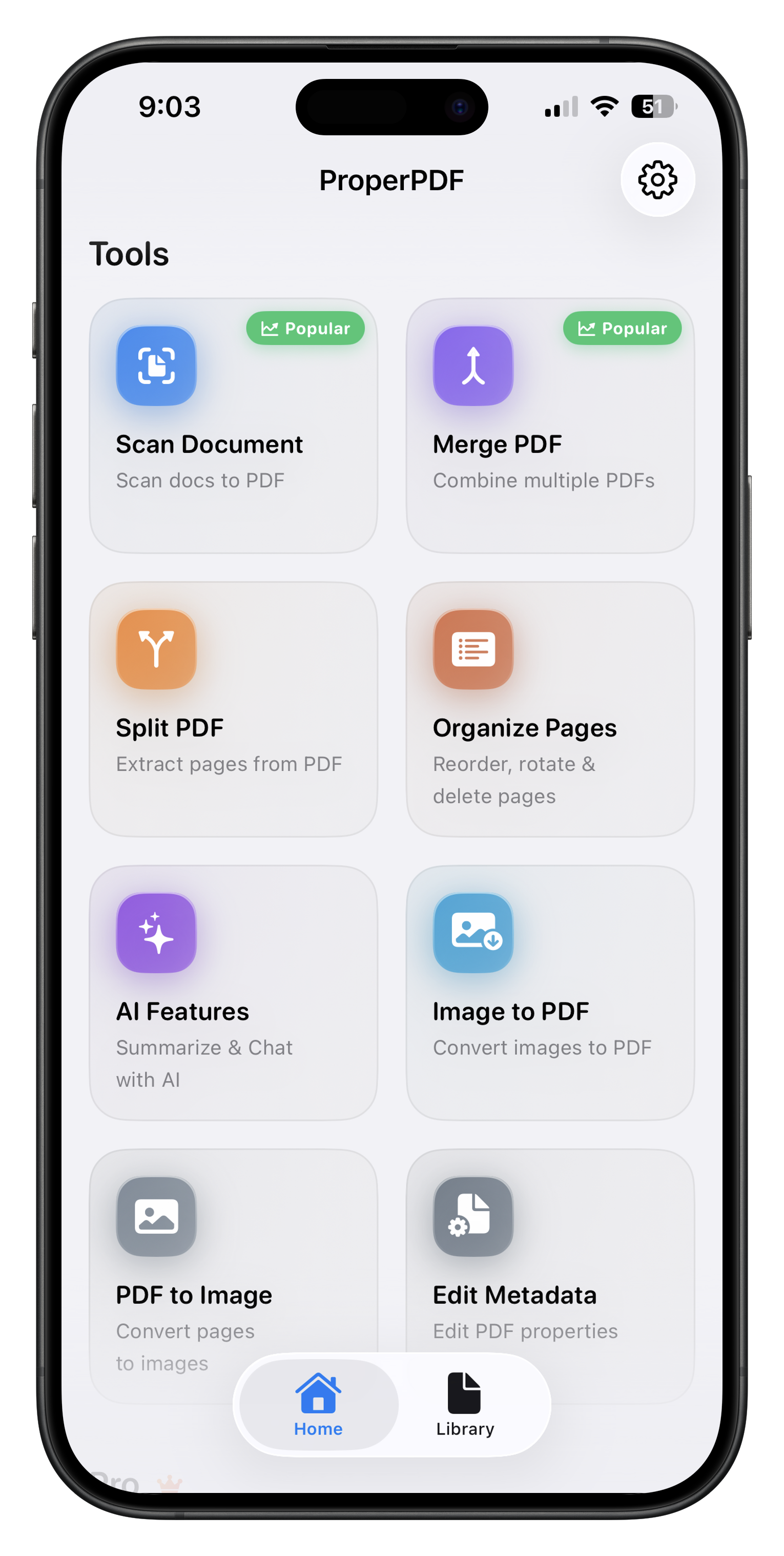
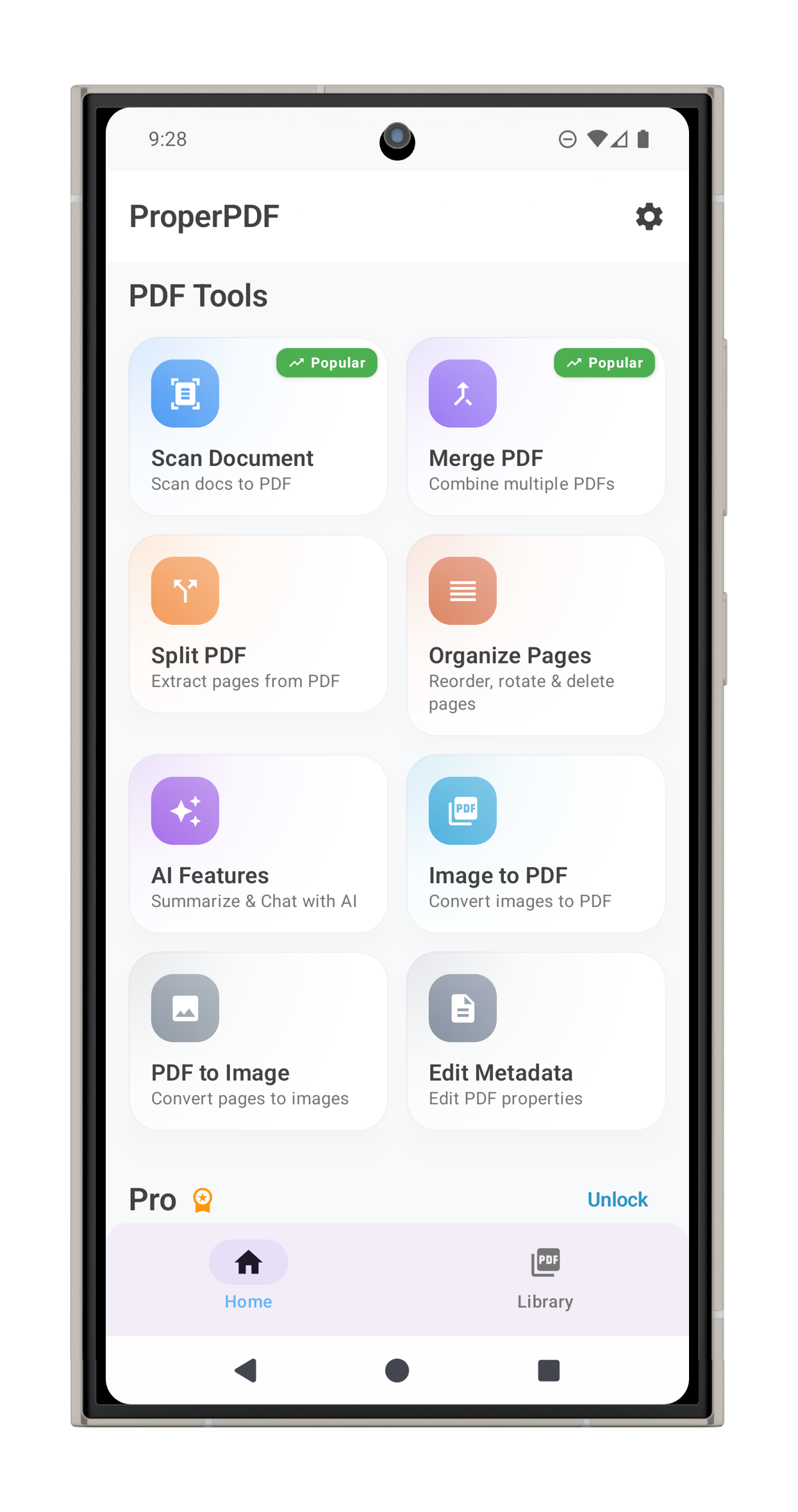
Merge, edit, organize, read, and convert documents on your phone.
Capture paper pages with your camera and save them as a PDF.
Combine multiple PDF files into one document.
Extract selected pages or page ranges into a new file.
Reduce file size so documents are easier to store and share.
Drag to reorder pages, rotate them, or delete what you don’t need.
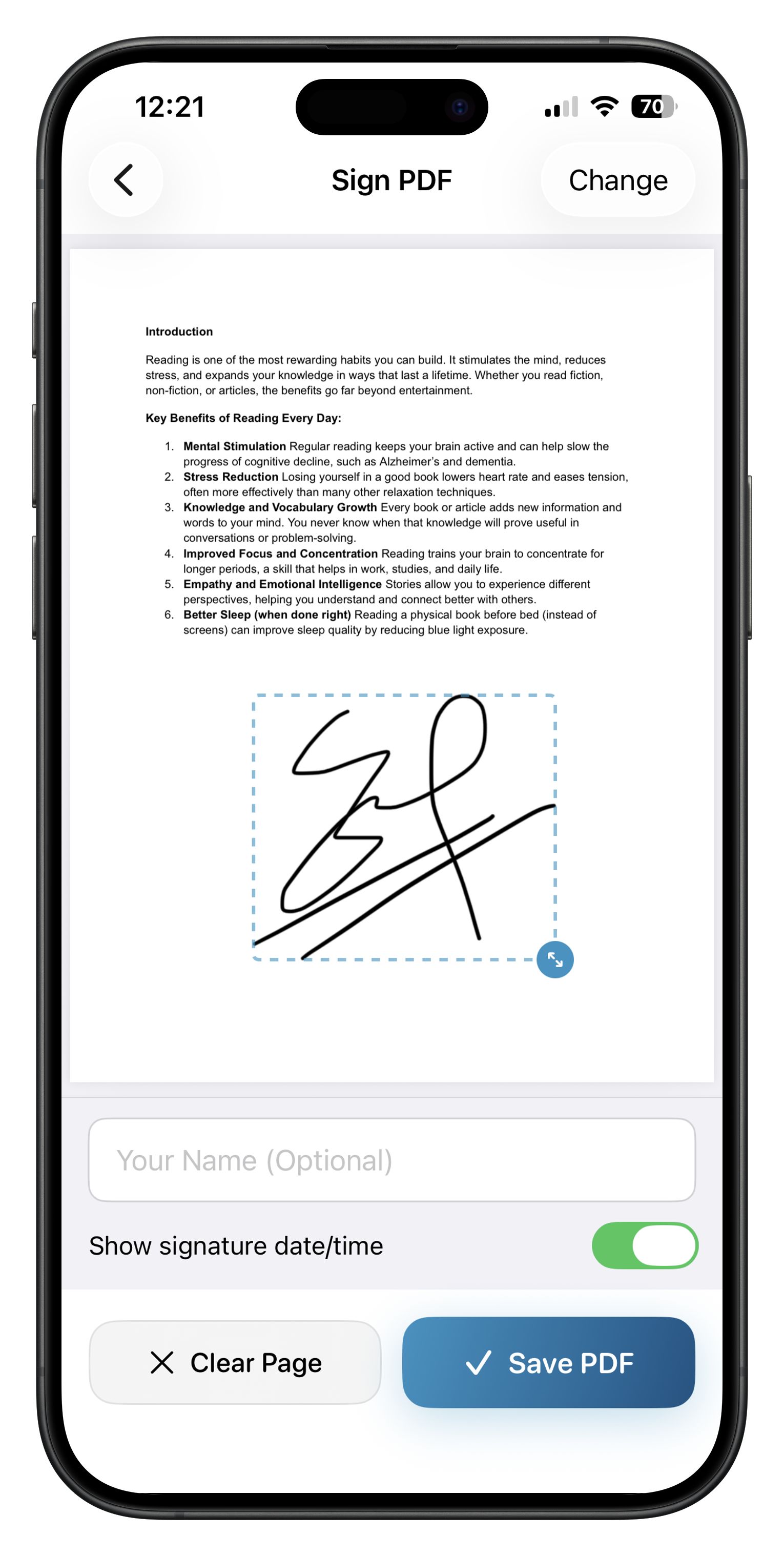
Add a signature to a document straight from your phone.
Enter text and mark checkboxes on PDF forms.
Add password protection or remove it from PDFs you can access.
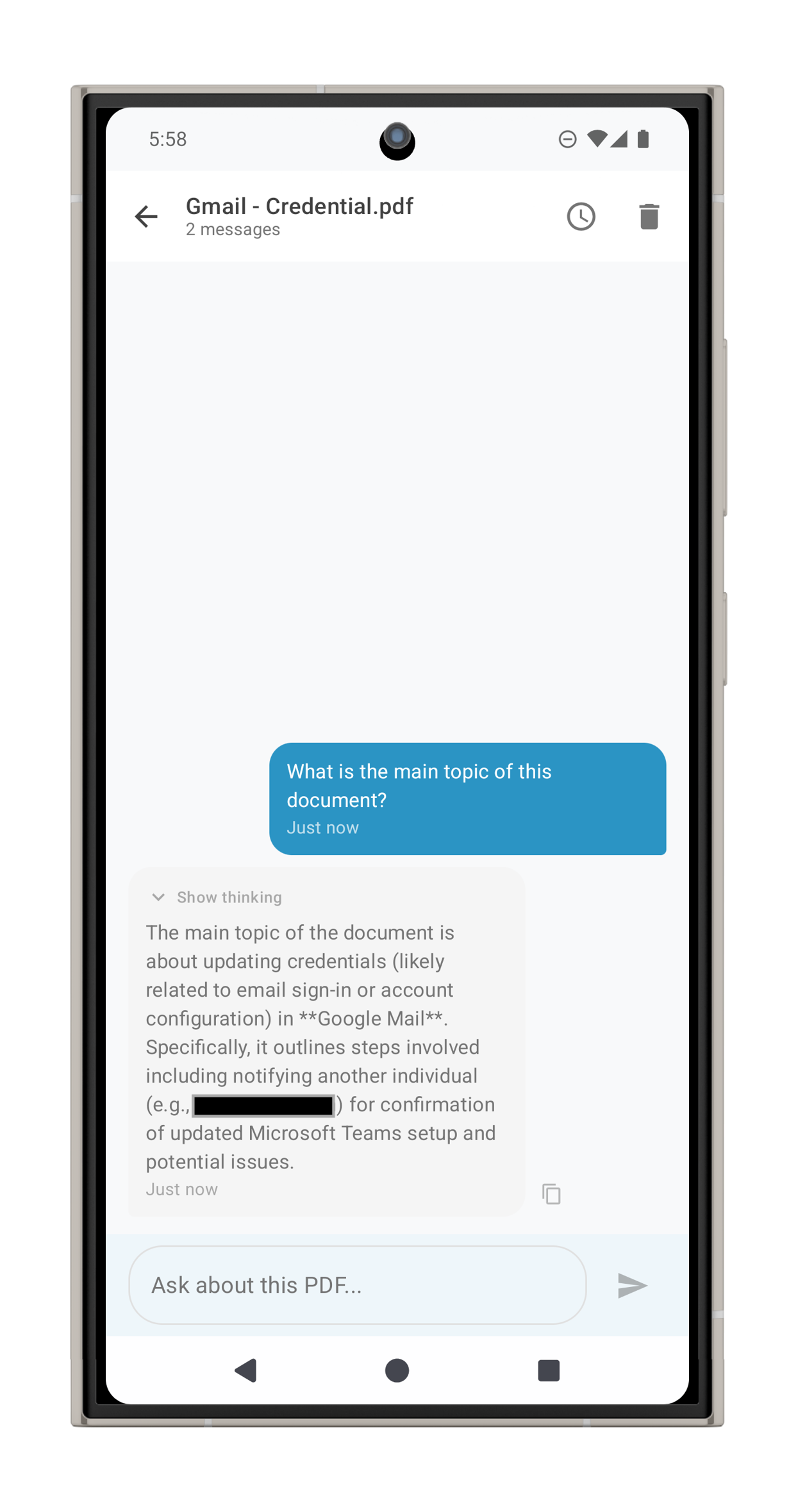
Ask questions and get summaries with AI that runs on your device.
Turn photos or scans into a PDF and arrange their page order.
Export selected PDF pages as PNG or JPEG images.
Update a document’s title, author, subject, keywords, and more.
Open documents in the built-in viewer and move between pages.
Import, browse, rename, share, and manage your saved PDFs.
Some tools require Pro. Availability may vary by platform. On-device AI may need a one-time model download.
PRIVATE BY DESIGN
ProperPDF merges, converts, and signs documents locally. You can use the PDF tools without an internet connection.
REAL SCREENS, BOTH PLATFORMS
See the tools in the app on iPhone and Android.
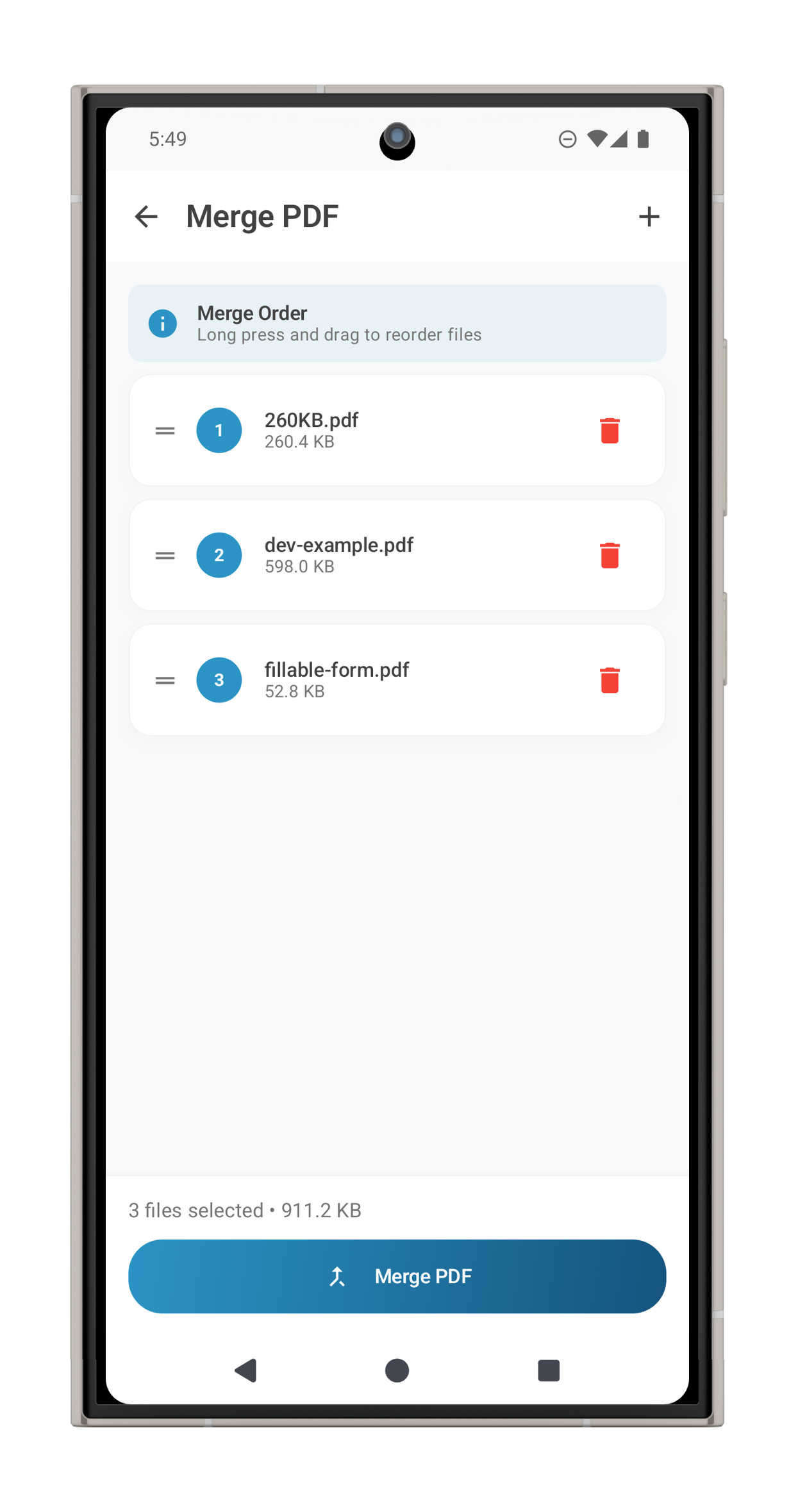
Select PDFs, arrange their order, and save one combined file.
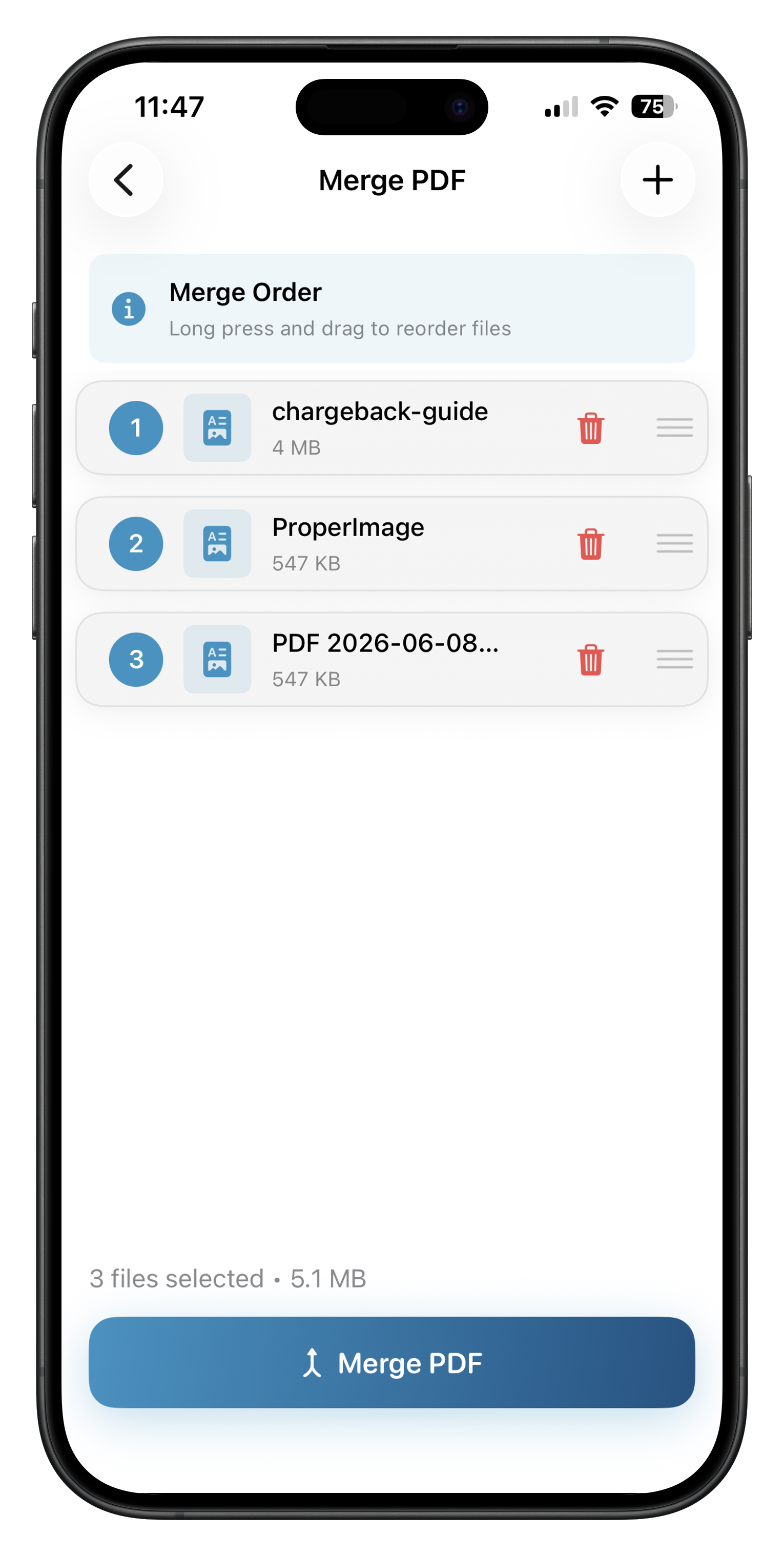
Merge files locally on Android, even when you are offline.
Add a signature from your phone without uploading the document.
Find and summarize what matters with on-device AI.
PDF GUIDES
Scan, combine, sign, and organize documents on your device.
Import, edit, and save PDFs without an internet connection.
Reduce file size and check the quality before sharing.
SIMPLE TO START
Choose Free for merging, splitting, converting, and your document library. Choose Pro when you need compression, signatures, forms, or password protection.
| What you get | Free | Pro |
|---|---|---|
| Merge / split / convert | Yes | Yes |
| Library | Yes | Yes |
| Compress / sign / fill / lock | No | Yes |
| Watermarks on exported files | On some tools | No |
| On-device AI chat | Check in app | Check in app |
| Download free | Download Pro |
$1.99* / week
For a short project or a few documents you need to finish this week.
$3.99* / month
For a busy month of paperwork or a project that lasts several weeks.
$29.99* / year
For regular PDF work throughout the year, at a lower cost than paying monthly for 12 months.
$39.99* once
For ongoing use when you prefer a one-time purchase to a subscription.
* Prices shown in USD. Local prices, currencies, and available plans may vary by region and platform. Check the price and billing terms in the app before purchasing.
Download the app, then choose your Pro plan inside it. Feature availability may differ between iOS and Android.
ProperPDF processes PDF documents on your device. The website is informational and does not ask you to upload a file.
PDF tools work offline. On-device AI may require a one-time model download on some devices before it can work offline.
Yes. Download it from the App Store for iPhone and iPad, or from Google Play for Android. Some features and purchase options may vary by platform.
On iOS, compression, signing, form filling, and password protection are marked as Pro tools. Check the app for the current offer and availability on your device.
DEVELOPMENT UPDATES
Get email updates about new features, improvements, and upcoming releases.
GET THE APP
Download ProperPDF for iPhone, iPad, or Android.