


Protect a PDF before sharing
Password protection can add a useful layer of control to a contract, form, report, or personal record. ProperPDF lets you protect a PDF in the app without first uploading it to an online service.
Choose a password you can share safely and remember. ProperPDF cannot recover a password you lose.
How to lock a PDF
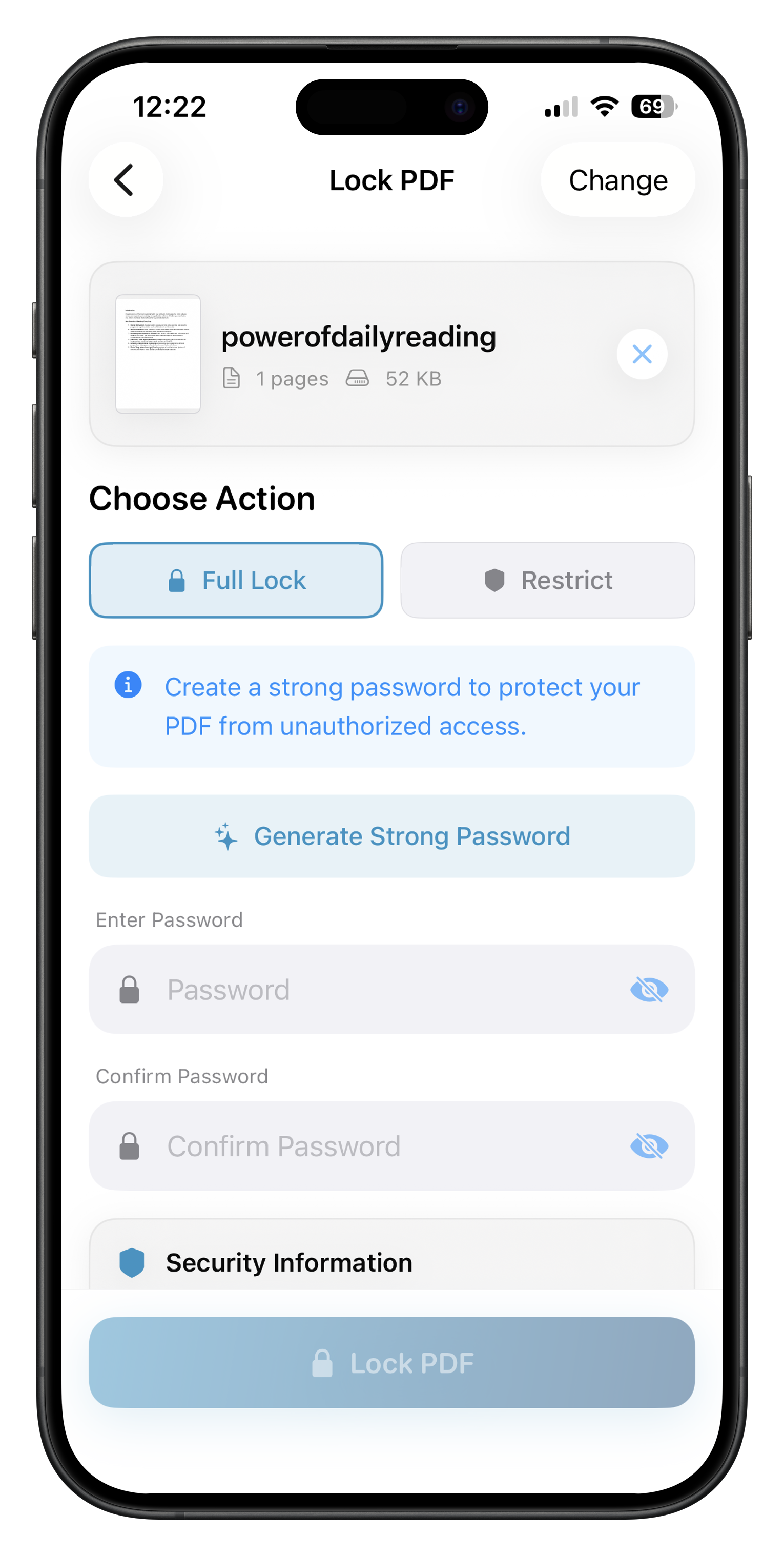
Open Lock PDF, select the document, enter and confirm a password, then save the protected copy. Review the result and test the password before sending it.
Send the password through a separate trusted channel rather than placing it in the same message as the file.
Keep the original
Save a separate original if you may need to edit the document later. Use Unlock PDF when you know the password and need to make changes.