


Sign where the document is
When a PDF needs your signature, switching to an online editor can mean uploading the whole document. ProperPDF lets you work from the app and keep the source file on your device.
Review the document carefully before signing, especially when it includes dates, amounts, or terms.
How to sign a PDF
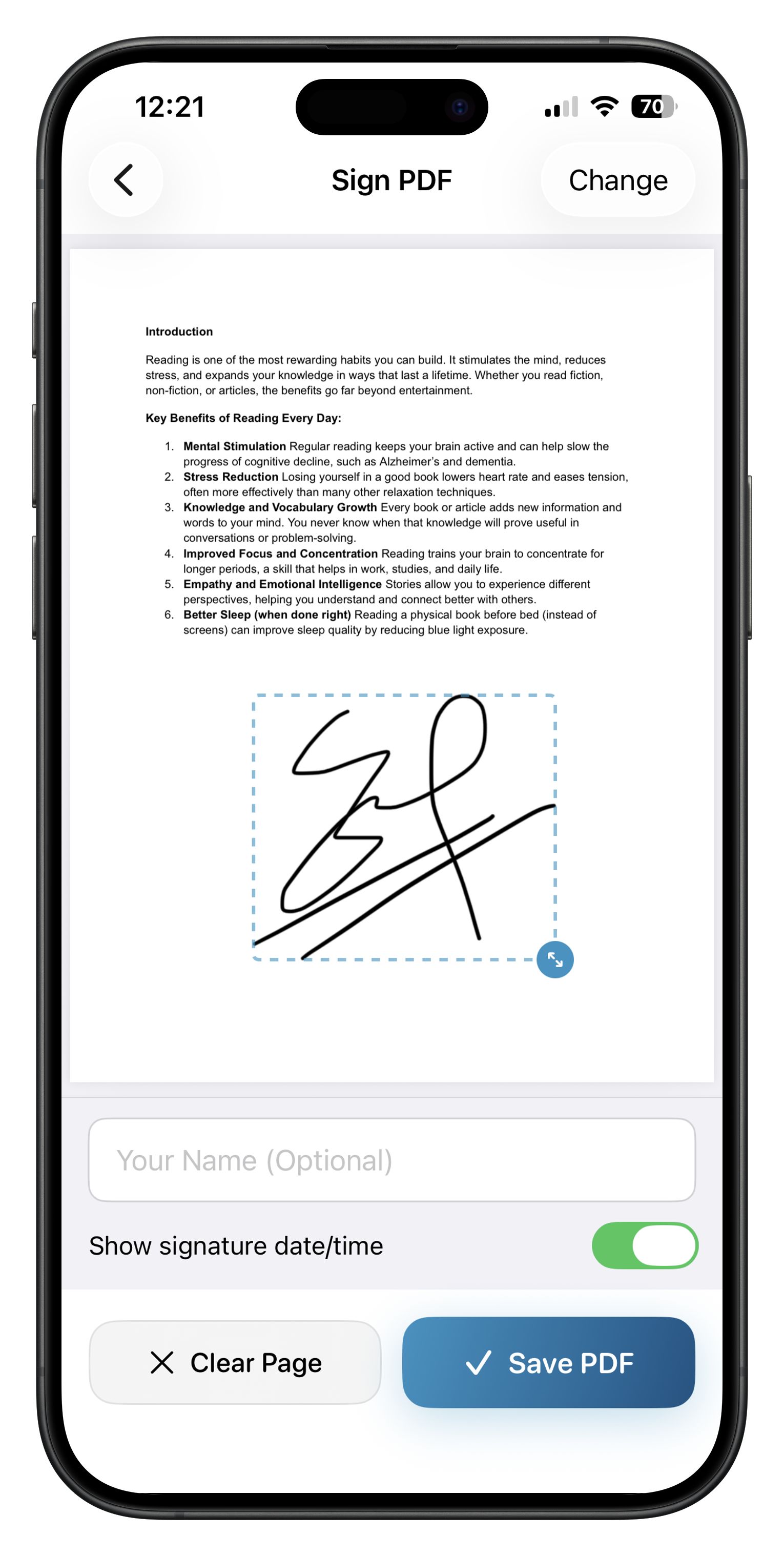
Open Sign PDF, choose your document, add or select your signature, and place it where it belongs. Save a new copy, then review every page before sharing it.
Some signing features require Pro on iOS.
A simple final check
Confirm that the signature is visible, the page order is correct, and the saved file is the copy you intend to send.