


Complete forms privately
Forms often contain addresses, account details, or other personal information. ProperPDF helps you enter information in a PDF without requiring an upload to a browser-based editor.
Use the built-in viewer to check that each field is complete before sharing the finished copy.
How to fill a PDF
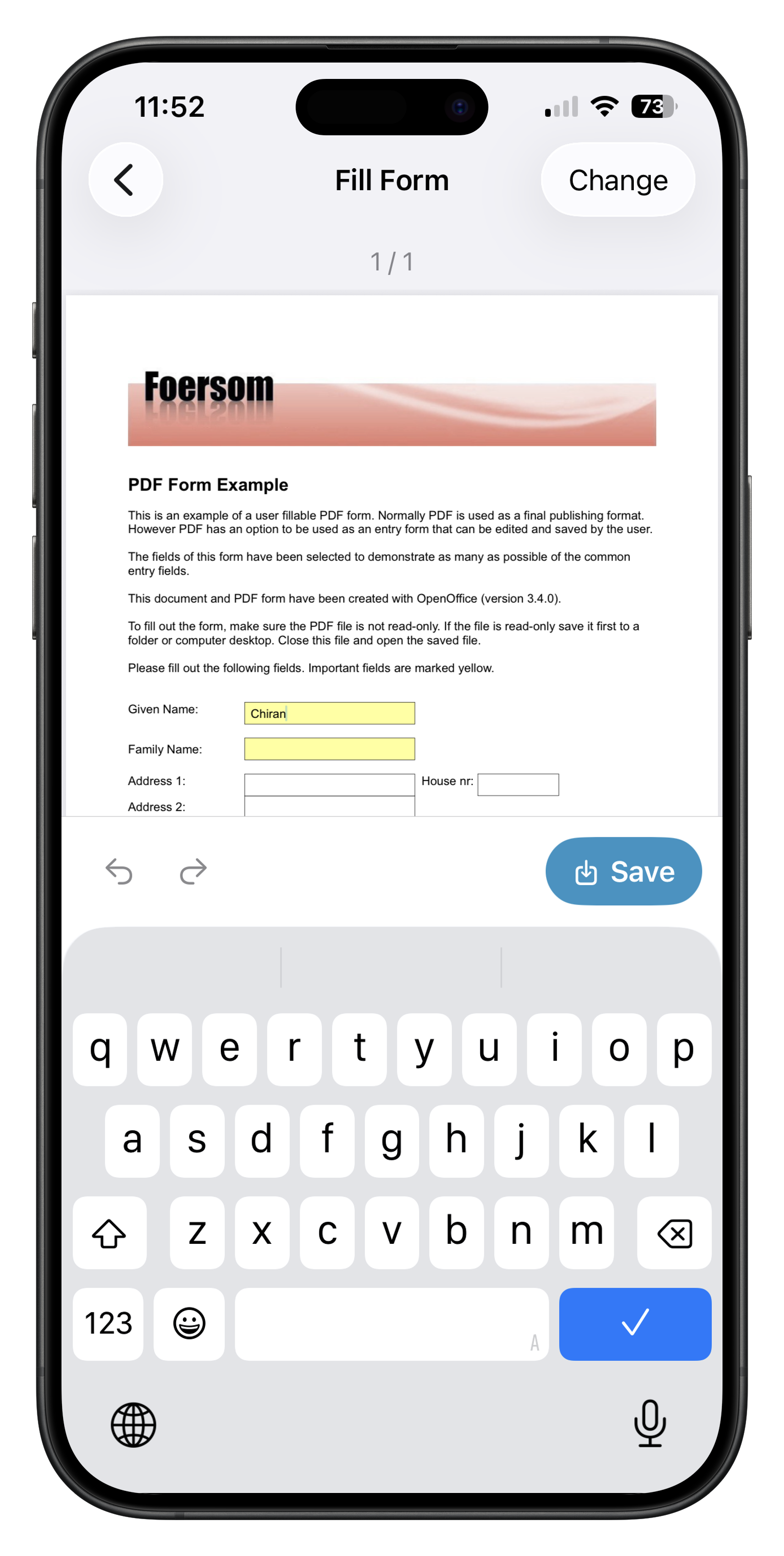
Open Fill PDF, choose the form, enter text in the available fields, and mark checkboxes where needed. Save the completed document as a new copy so the blank original remains available.
If the form also needs a signature, finish the fields first and then use Sign PDF.
Before sending
Review names, dates, numbers, and attachments carefully. Remove any pages or information the recipient does not need.