


Share only the relevant pages
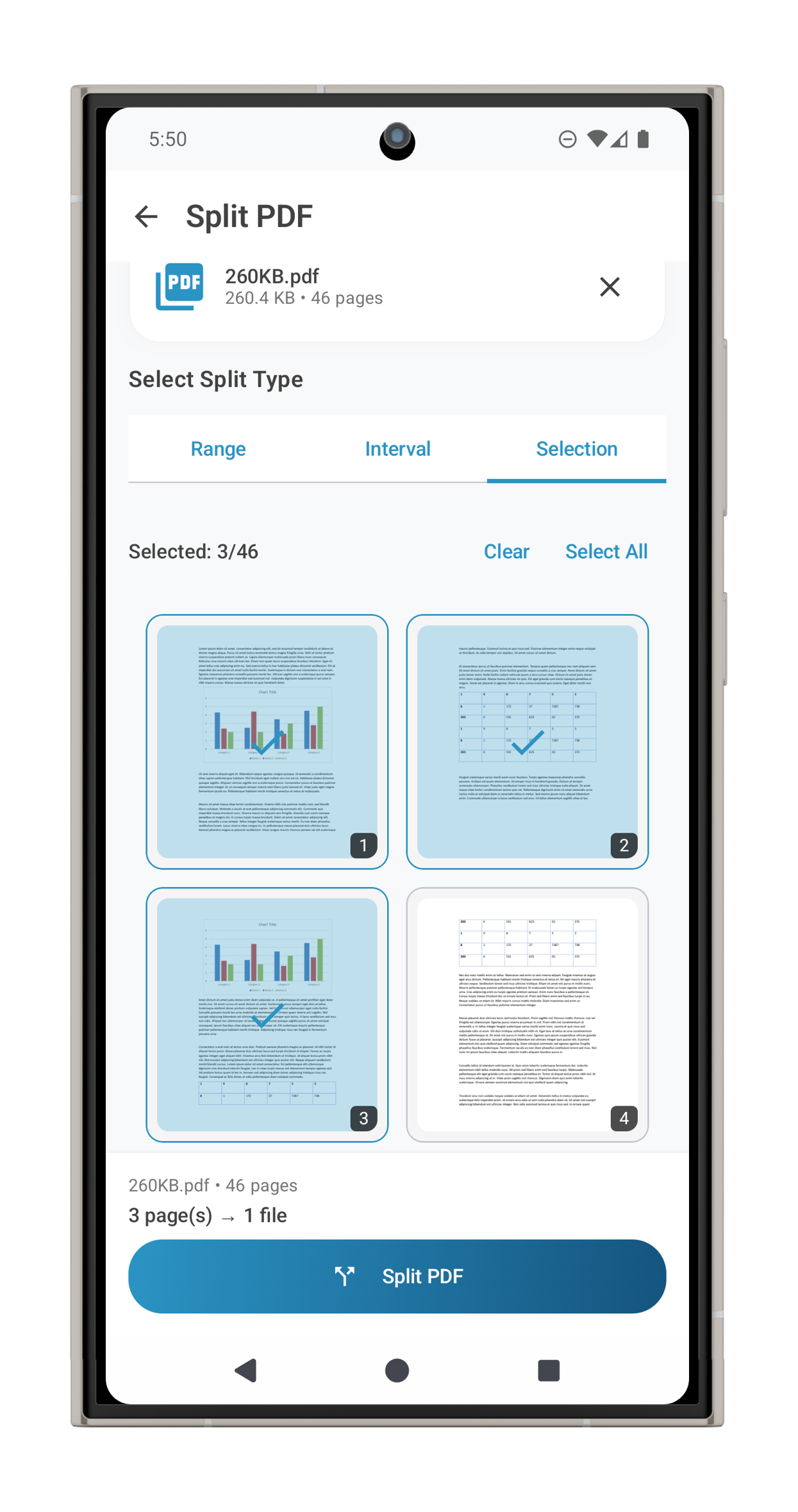
A large PDF often contains more information than the person receiving it needs. ProperPDF lets you select pages or page ranges and save them as a separate PDF on your device.
This is useful for a single chapter of a report, a few signed pages, or a section of a long set of notes. It can also help avoid sharing unrelated pages by accident.
How to split a PDF
Choose Split PDF, select your source document, and enter the pages or ranges to extract. Review the selection, then save the new document. Your original PDF stays available.
You can open the extracted file in the built-in viewer, rename it in the library, or share it using your device's share sheet.
Need to rearrange instead?
Use Organize Pages when you want to drag pages into a different order, rotate them, or delete pages from a document. Use Merge PDF when you need to bring pages from separate files together.
Feature availability can vary by platform. Some tools require Pro on iOS.