

Choose the pages and format
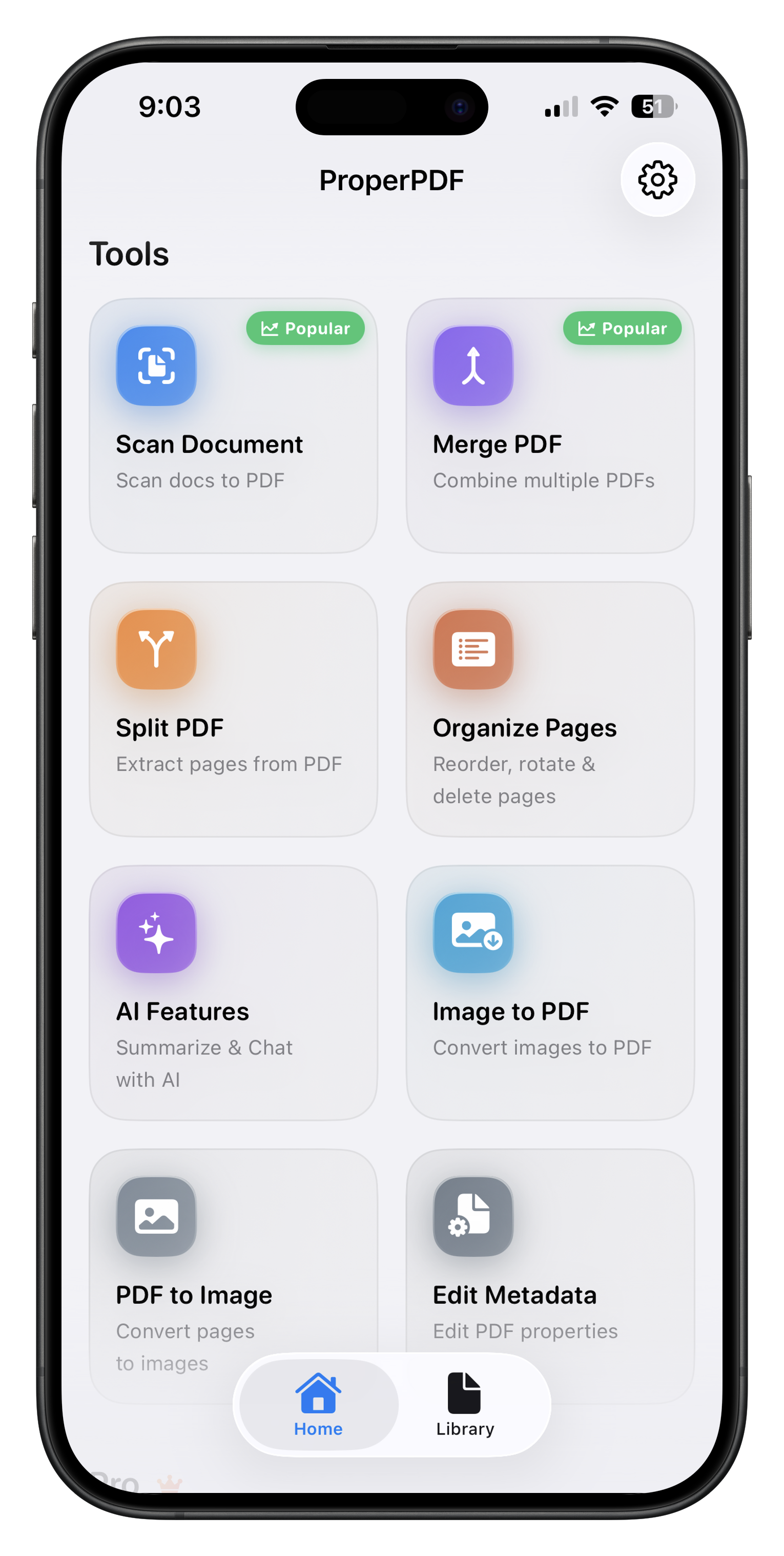
ProperPDF can export selected PDF pages as PNG or JPEG images. This is handy when you need a page for a presentation, a message, or an image-based workflow.
PNG works well for graphics and crisp text. JPEG may be a better fit when file size matters for a photo-heavy page. Check the exported image before sharing it.
How to convert a PDF to images
Open PDF to Image, select the document, choose the pages you want, then pick PNG or JPEG. Save or share the resulting images using your device's normal controls.
If you need the reverse conversion, use Image to PDF. You can select photos or scans, arrange their order, and create a PDF from them.
No online converter required
Your source document is processed locally. This is especially useful when a PDF page contains private information that you do not want to upload to a third-party service.
Feature availability can vary by platform. Some tools require Pro on iOS.