


From photos to one document
Receipts, whiteboards, notes, and scanned pages often start as images. ProperPDF can combine selected images into a PDF and keep the workflow on your device.
Arrange the pages before saving so the result reads in the right order.
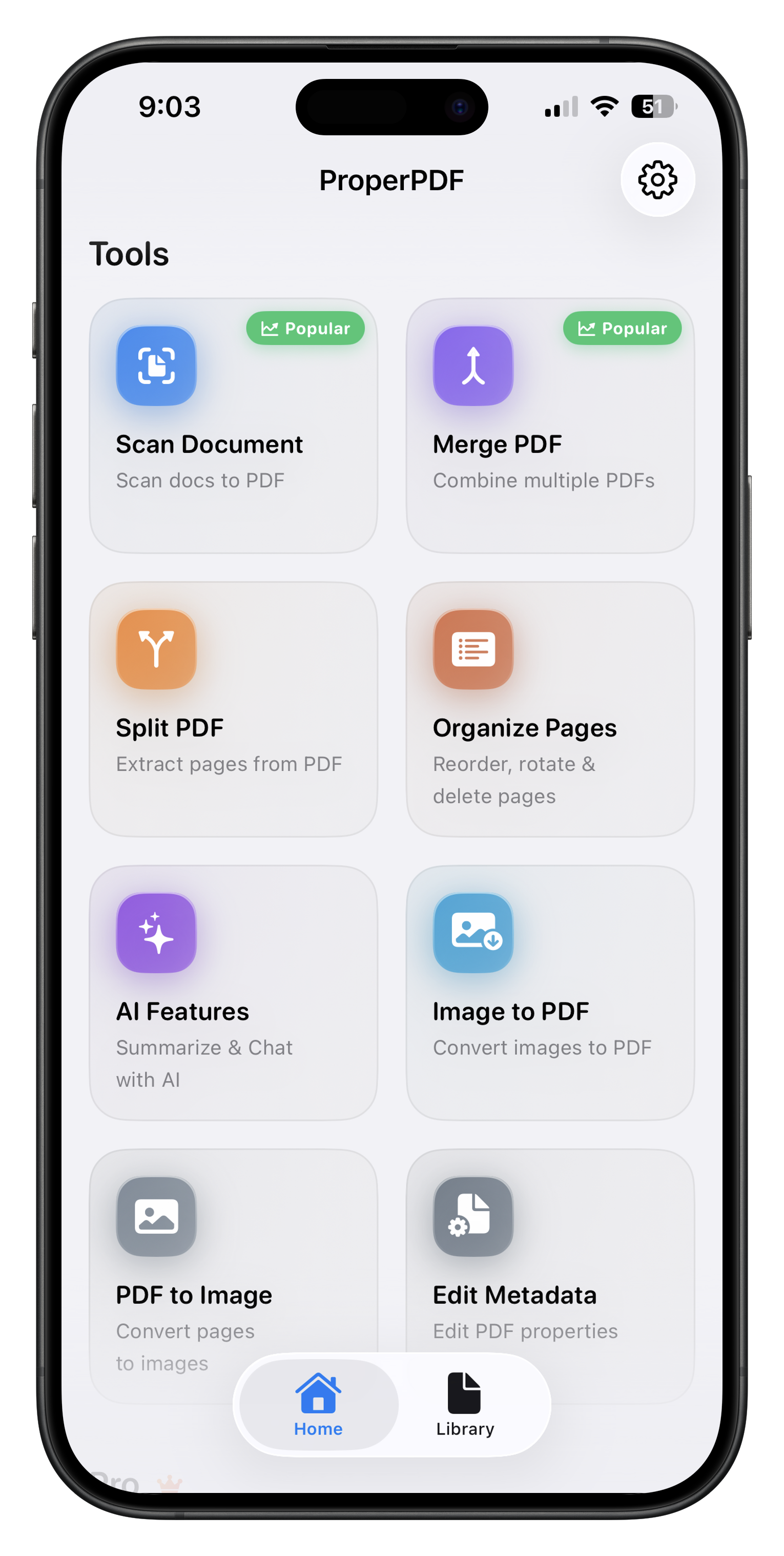
How to create a PDF from images
Open Image to PDF, select the photos or scans you want, arrange their order, and save the new document. Open it in the viewer to check the pages before sharing.
Merge the new PDF with another file later or compress a copy if the images make it large.
Useful for everyday paperwork
Create a single PDF from receipts, application pages, travel records, or handwritten notes while keeping the original images available.