


Why merge PDFs on your device?
You may need to send a contract with its attachments, bundle class notes, or combine scans into a single file. ProperPDF joins selected PDFs locally, so the source documents do not have to be sent to a website for processing.
A single PDF is easier to share and archive than a group of separate files. You can preview the result in the app before sending it on.
How to merge PDFs with ProperPDF
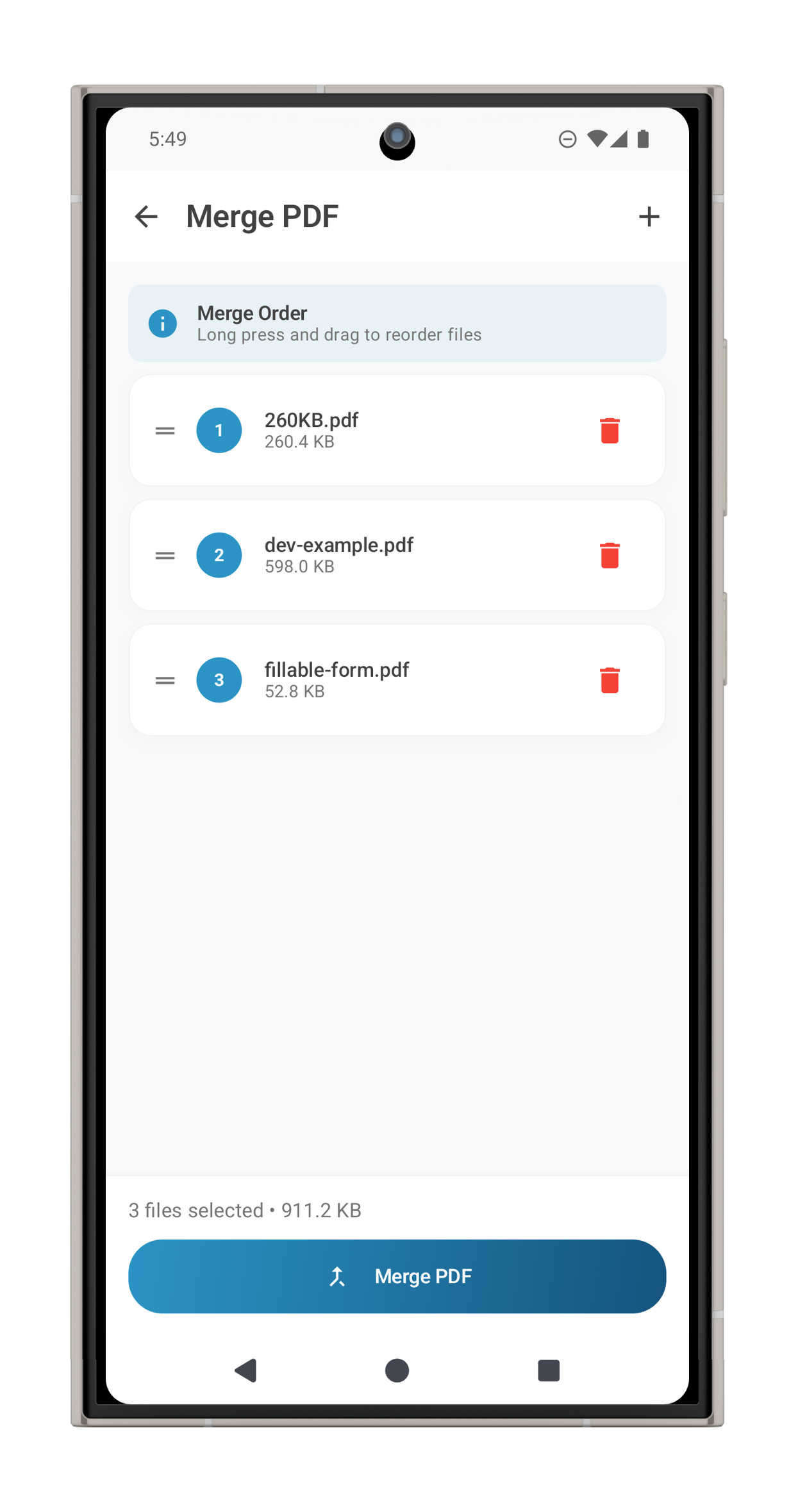
Open Merge PDF in the app and select the documents you want to combine. Arrange them in the order you prefer, then save the merged file. It appears in your document library, where you can open, rename, or share it.
If the combined document has pages you no longer need, use Organize Pages to reorder or remove them. For a smaller output, use Compress PDF afterward.
Useful for
Combining application forms and supporting documents, collecting receipts, assembling a report, or keeping multi-part notes together. The same offline workflow is helpful whenever a document contains private details.
Feature availability can vary by platform. Some tools require Pro on iOS.