

When a PDF is too large
Scanned documents and image-heavy PDFs can be awkward to email or save. ProperPDF offers compression in the app so you can create a smaller copy without uploading your file to an online converter.
The best result depends on the document. Text-focused files may already be compact, while scan-heavy files often have more room to shrink. Always review the output if image clarity matters.
How to compress with ProperPDF
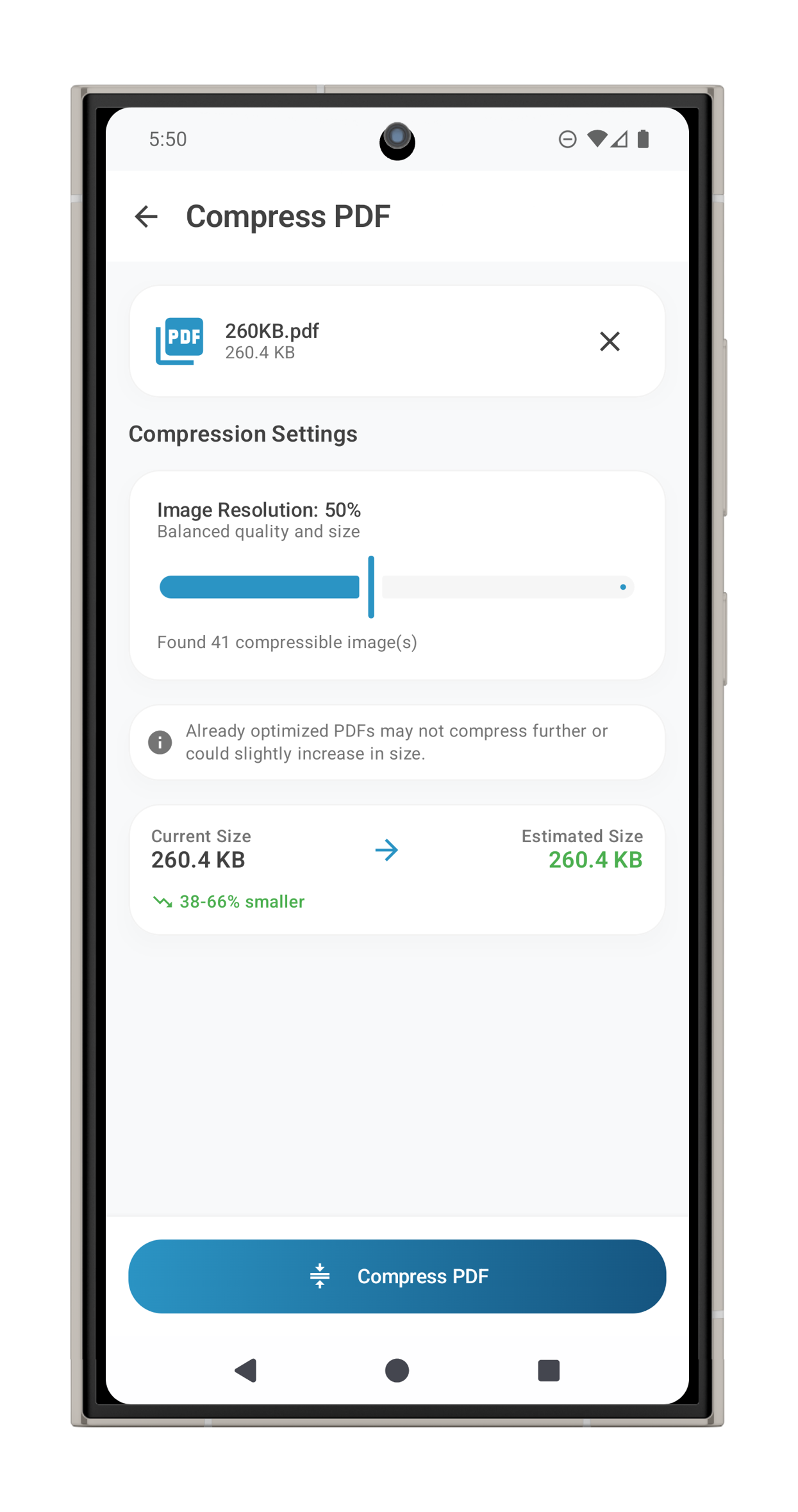
Open Compress PDF, select your document, choose a compression level, and save the result. The app creates a new file so you can compare its size and appearance with the original.
If the document includes pages you do not need, split or remove them first. That can reduce size while preserving the quality of the pages you keep.
A private workflow
Compression happens on your device. You can prepare contracts, records, and assignments for sharing without first transferring their contents to a PDF website.
Feature availability can vary by platform. Some tools require Pro on iOS.