


What you can do offline
ProperPDF brings everyday PDF tools to your Android phone or tablet. Scan paper documents, merge files, split out pages, organize a document, convert images, and read PDFs without sending the source file to a website.
Offline access is useful on flights, during travel, or anywhere you do not want a sensitive document leaving your device. Some AI features may need a one-time model download before they work offline.
A simple Android PDF workflow
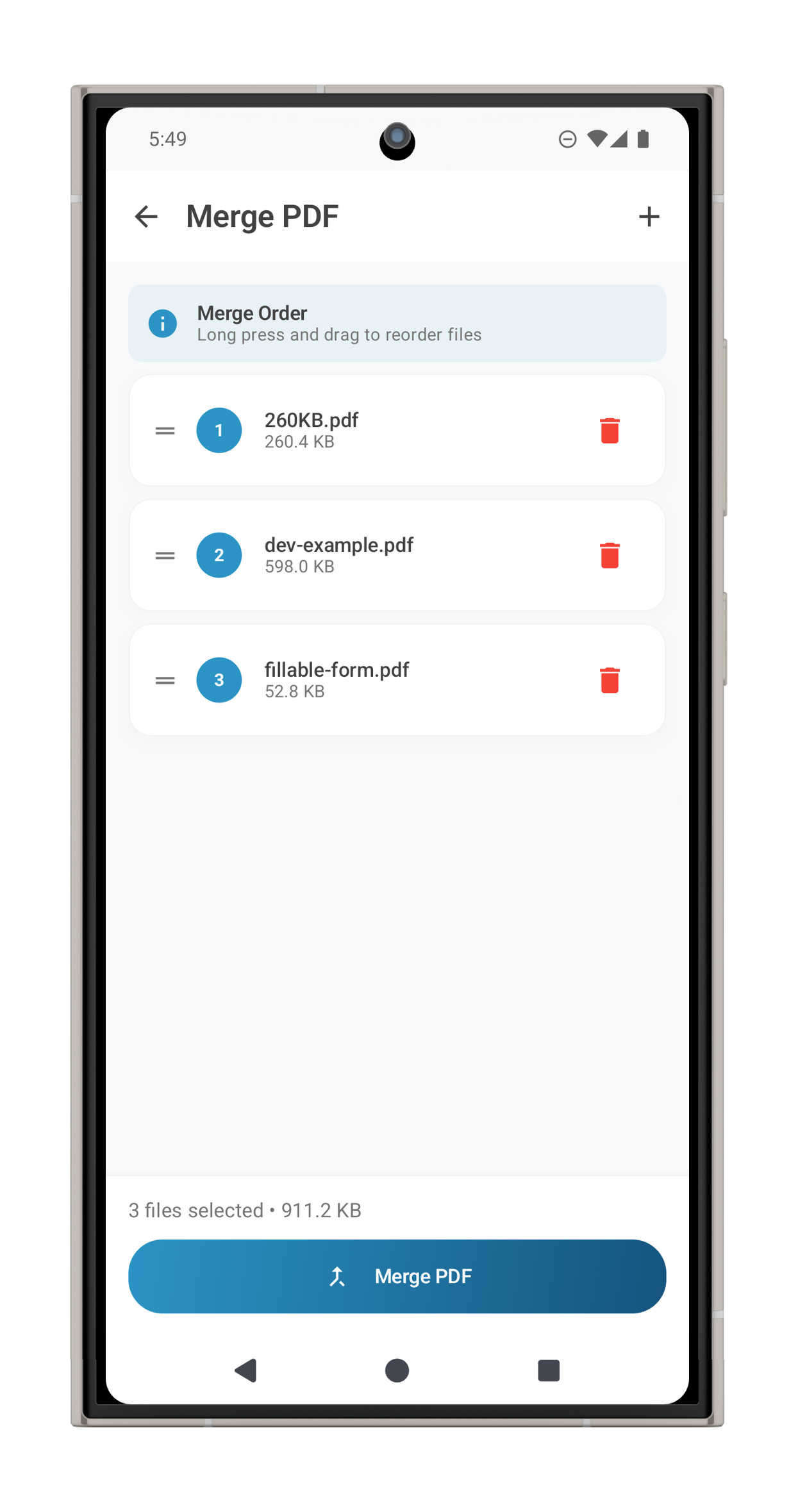
Import a PDF into the document library, then choose the tool that matches the job. Use Organize Pages to reorder or remove pages, Merge PDF to combine files, and Split PDF to create a smaller document for sharing.
When the document is ready, review it in the built-in viewer and use Android's share sheet. Keep the original file until you have checked the final copy.
Designed around privacy
Contracts, forms, receipts, and personal records can contain information you would not want in a third-party upload. ProperPDF keeps core PDF processing on your device so you can work locally first.