


Know where the work happens
A PDF may contain addresses, signatures, financial details, or medical information. Before using a tool, it helps to know whether the file must leave your device. ProperPDF is designed to process documents locally rather than upload them for editing.
The website explains the app and sends you to its official store listings. It does not accept PDF uploads or process your documents in the browser.
Share less, on purpose
If someone only needs one section of a PDF, split out the relevant pages. If a document has blank or outdated pages, remove them before sharing. Review metadata such as the title, author, and keywords when those details matter.
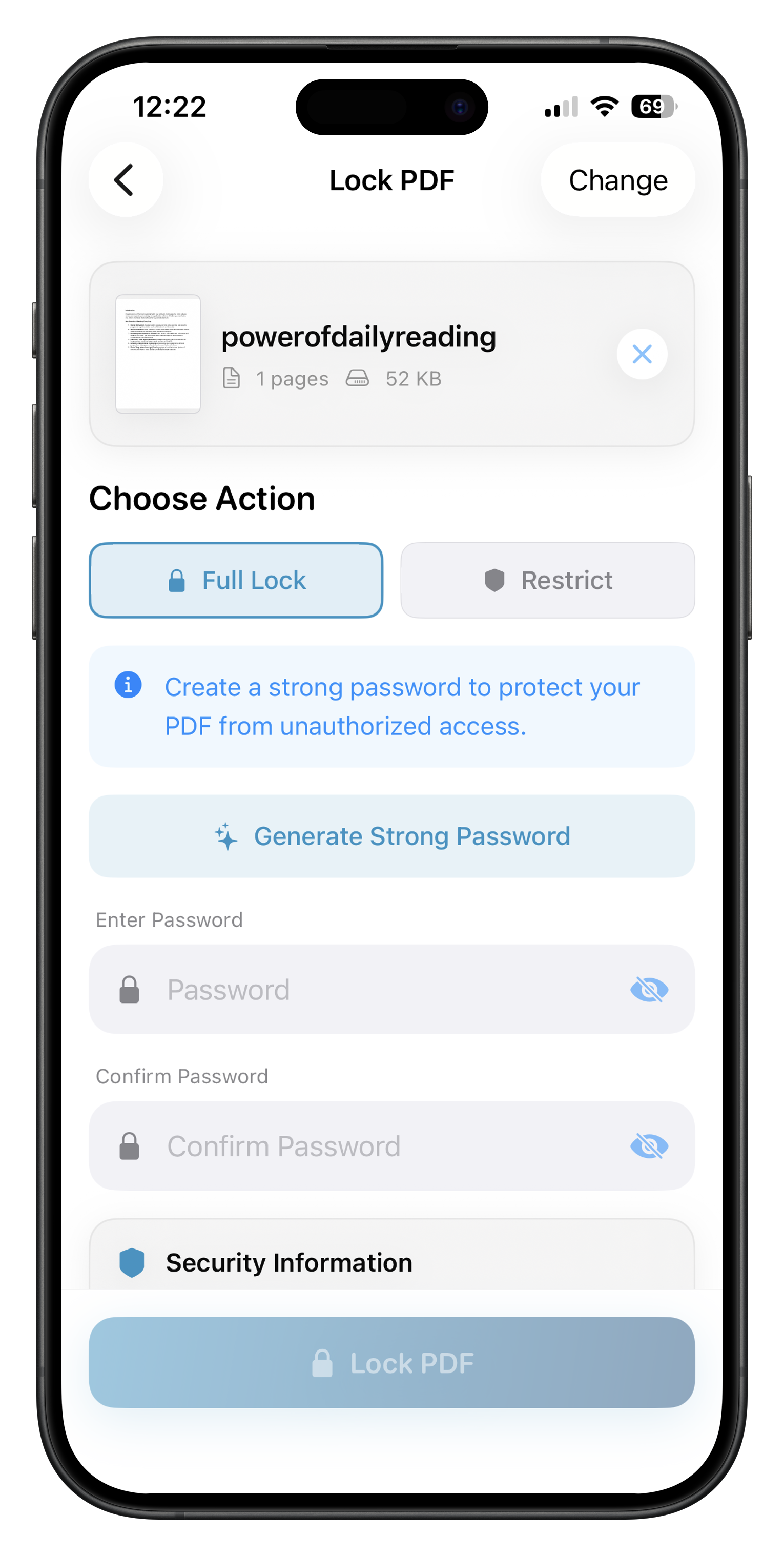
A password can help control access to a document, but it is still important to send the password through a separate trusted channel when you share a protected file.
Keep an original copy
Make a copy before compressing, rearranging, or signing an important PDF. That way you can compare the result and keep the source intact. Review the final pages and file size before sending it onward.
Offline processing is especially useful when you are traveling or working with a poor connection. Some AI models may require a one-time download before offline use.