


Why compress locally?
Online PDF compressors ask you to upload a document before they can process it. That may be convenient, but it is not a good fit for every contract, form, receipt, or personal record.
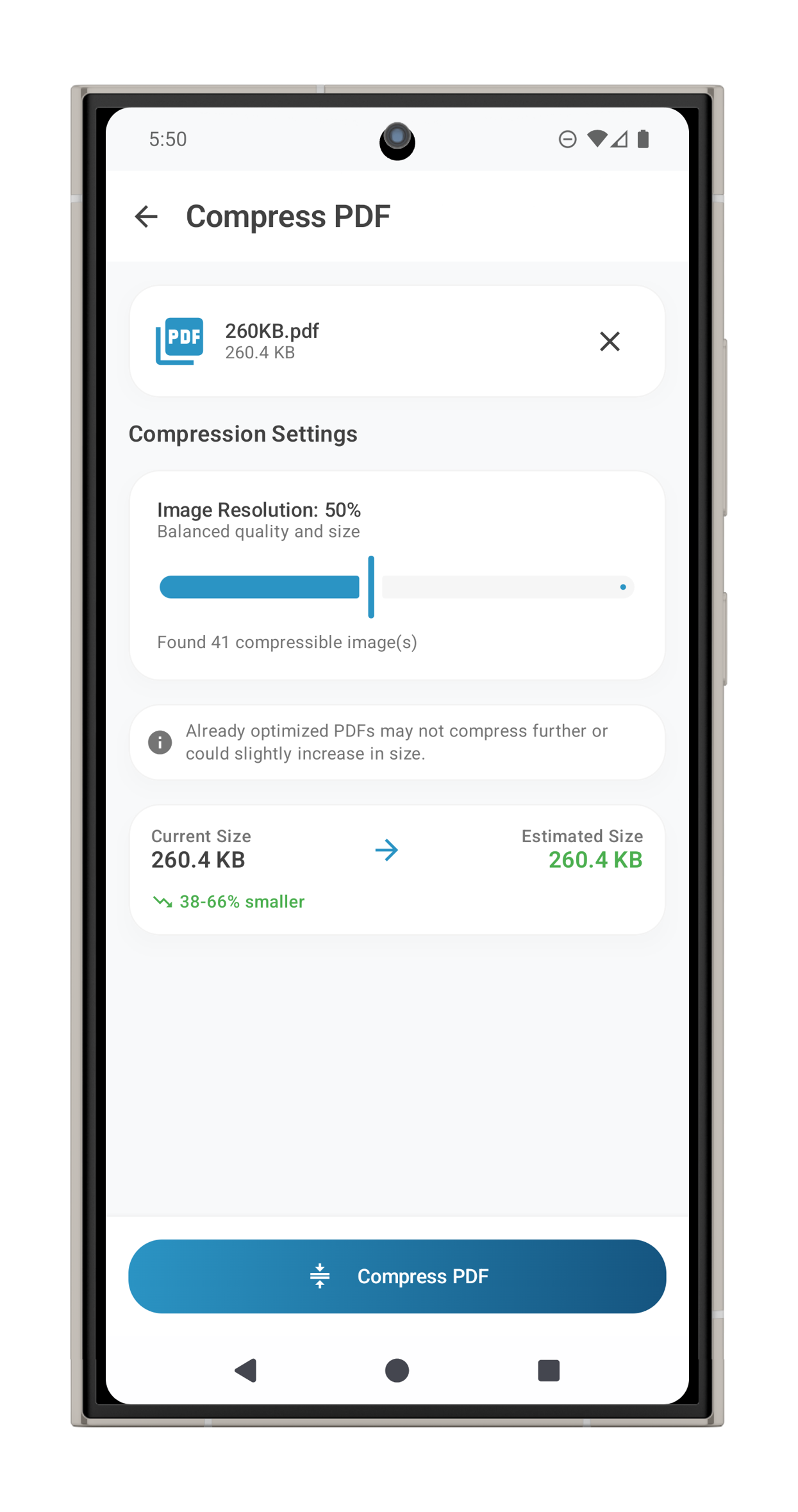
ProperPDF compresses a copy on your device. The original stays available, and you can compare the smaller file before sharing it.
Keep the right quality
Scan-heavy PDFs often have the most room to shrink because their pages contain large images. Choose a compression level, then check small text, signatures, and diagrams in the output.
If the PDF contains pages you do not need, split or remove them first. Removing unnecessary pages can reduce the file size without changing the quality of the pages you keep.
A safer sharing checklist
Review the page order, file size, and metadata before sending. If the document needs extra protection, use password protection where available and send the password separately through a trusted channel.