


Merge without an upload
A PDF merger is useful for combining a form with its attachments, collecting receipts, or turning several scans into one document. ProperPDF lets you select and combine files locally on your Android device.
The result is created in the app, so you do not need to transfer the source documents to an online PDF service first.
Put pages in the right order
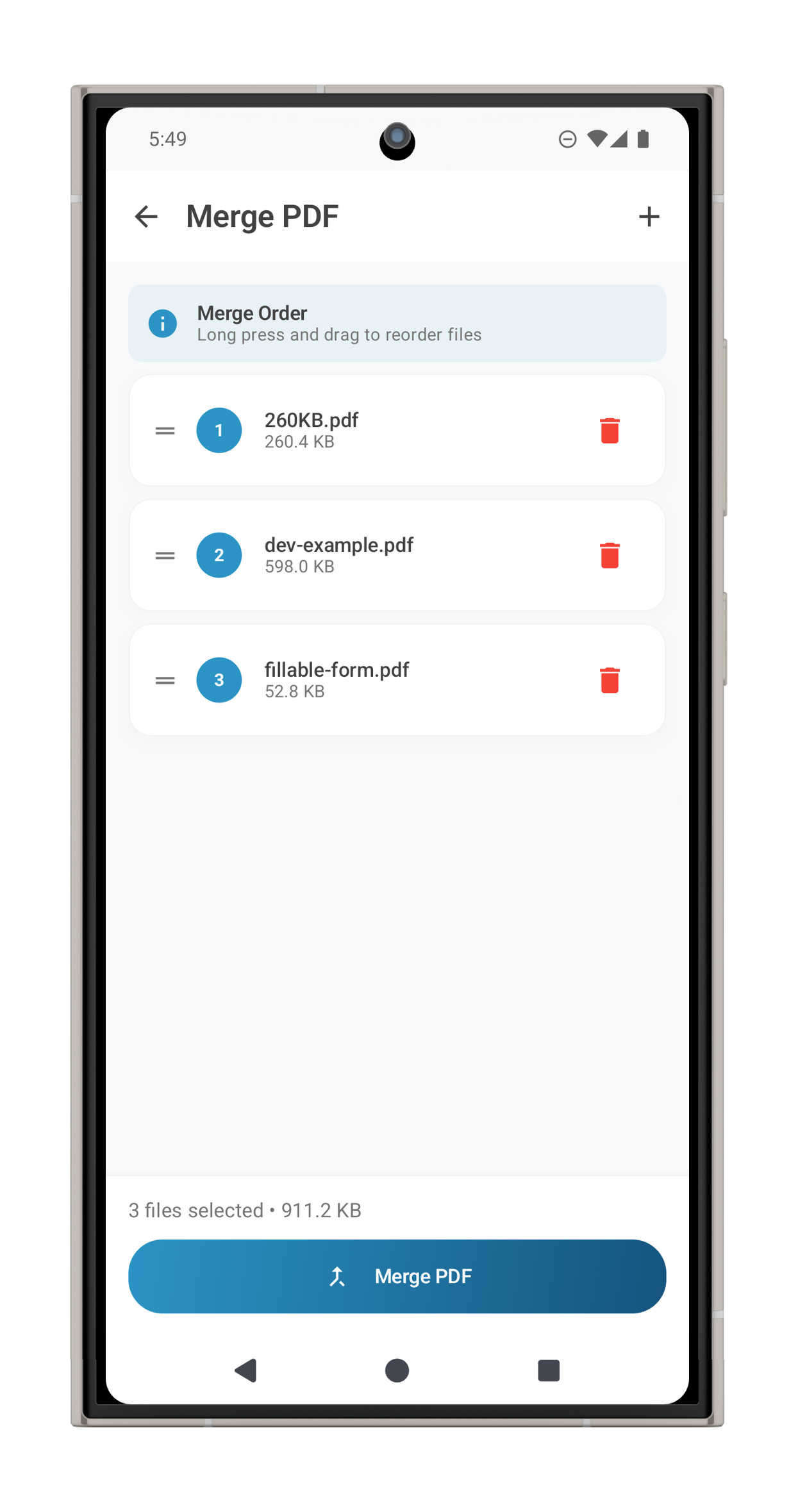
Select the PDFs, arrange them in the order you want, and save the merged document. Open the result in the built-in viewer before sharing it.
If you need to fix the order or remove a page afterward, use Organize Pages. If the finished file is too large, create a compressed copy for sharing.
Good for private documents
Keeping the workflow offline can reduce unnecessary exposure for applications, invoices, medical paperwork, and other documents that contain personal details.