


iLovePDF and Smallpdf both process your PDFs on their own servers: Smallpdf says it deletes uploads after one hour, and iLovePDF describes securing files while they are on its servers. If you'd rather not upload a document, use an app that works on the device. ProperPDF (iPhone and Android) merges, splits, compresses and signs offline, PDFgear is free and edits text, and Apple's Preview does the basics on iPhones with iOS 26 or later.
We make ProperPDF. The other apps are described from their own store listings, pricing and help pages, linked under Sources.
| Where files are processed | Free tier | Paid | |
|---|---|---|---|
| Smallpdf | Smallpdf's servers; deleted after one hour | 1 task a day in the Android app | $7.99 a month on Google Play |
| iLovePDF | iLovePDF's servers | Limited files per task | $9 a month, or $60 a year |
| ProperPDF | On your phone | Merge, split, scan, convert (some with watermark) | $3.99 a month, $19.99 a year or $29.99 once (US; regional prices lower) |
| PDFgear | Android app works offline except the AI assistant | Everything | None |
| Apple Preview (iOS 26+) | On your iPhone | Everything it does | None |
Is uploading to iLovePDF or Smallpdf safe?
For most files, probably yes: both are established services, Smallpdf says it deletes uploads after an hour, and iLovePDF's privacy policy says it doesn't use file contents to train AI models. The question is whether you want a passport scan, payslip or medical letter on someone else's server at all, even briefly. If not, the tools below avoid the upload.
What the online tools do better
Both have larger tool sets than any phone app here: PDF to Word with OCR, editing, translation, desktop apps and cloud storage integrations. iLovePDF also sells a desktop app that it markets for offline use.
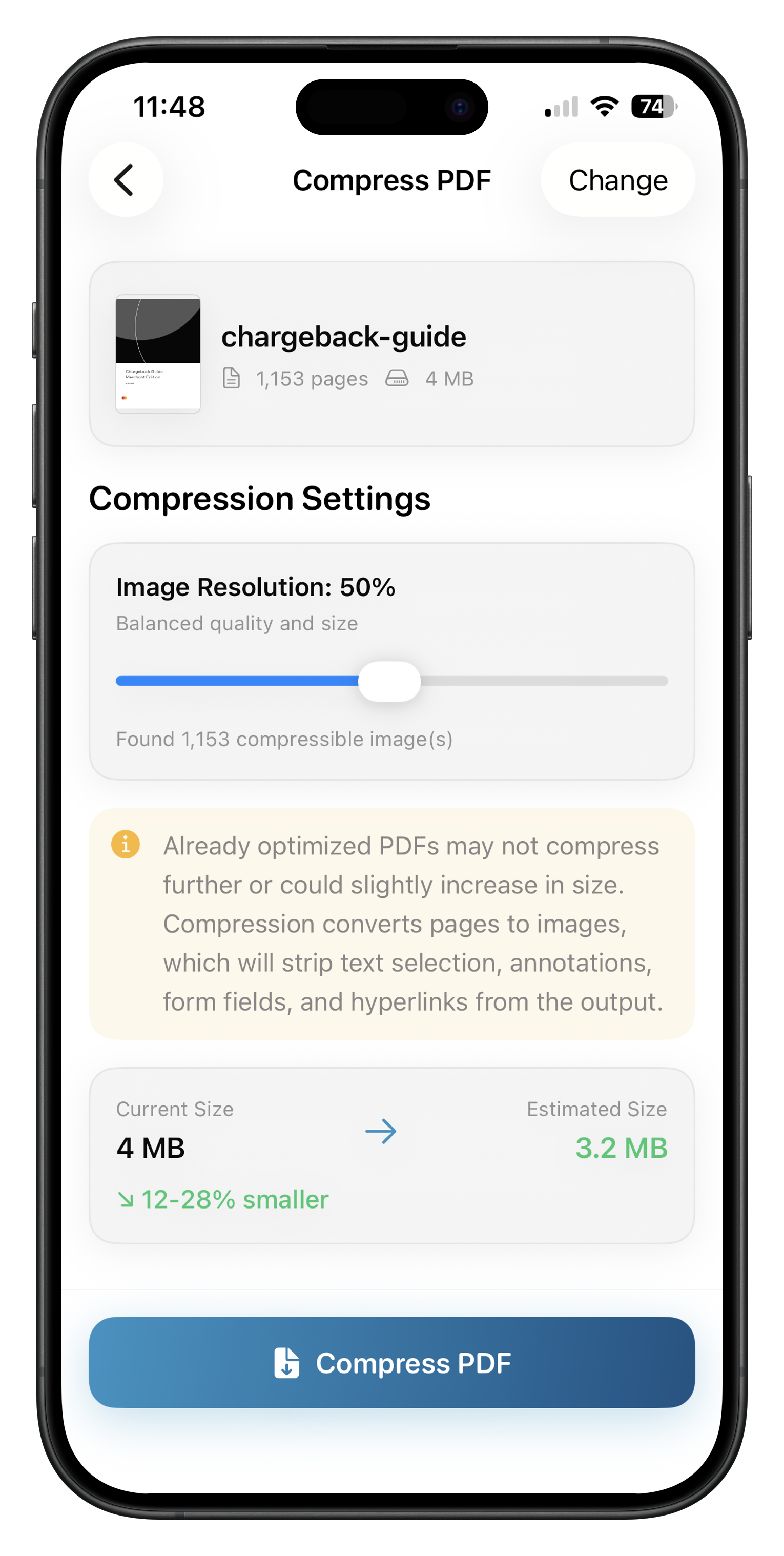
ProperPDF
Merge, split, scan, organize and convert for free, with a watermark on some free exports. Compress, sign, fill and lock are Pro. Everything runs on the phone, with no account.
PDFgear
Free, with no sign-up. The apps edit, convert, compress, merge and split; its Android FAQ says these work offline, while the AI assistant needs a connection.
Apple Preview
Built into iPhone from iOS 26: scan, fill, sign, insert pages from another PDF, lock with a password, and export a smaller copy.
Questions
Does Smallpdf store my files?
Smallpdf's Google Play listing says uploaded files are deleted one hour after processing unless you save them.
Is there an offline version of iLovePDF?
iLovePDF markets its desktop app for offline use. On a phone, ProperPDF and PDFgear work offline.
What's the cheapest way to compress PDFs without uploading?
PDFgear is free. ProperPDF includes compression in Pro, from $3.99 a month or $29.99 once in the US, with lower regional prices.
Sources
Checked 22 October 2026. Prices are US prices and change. ProperPDF uses regional pricing, so check the store for your local price.