


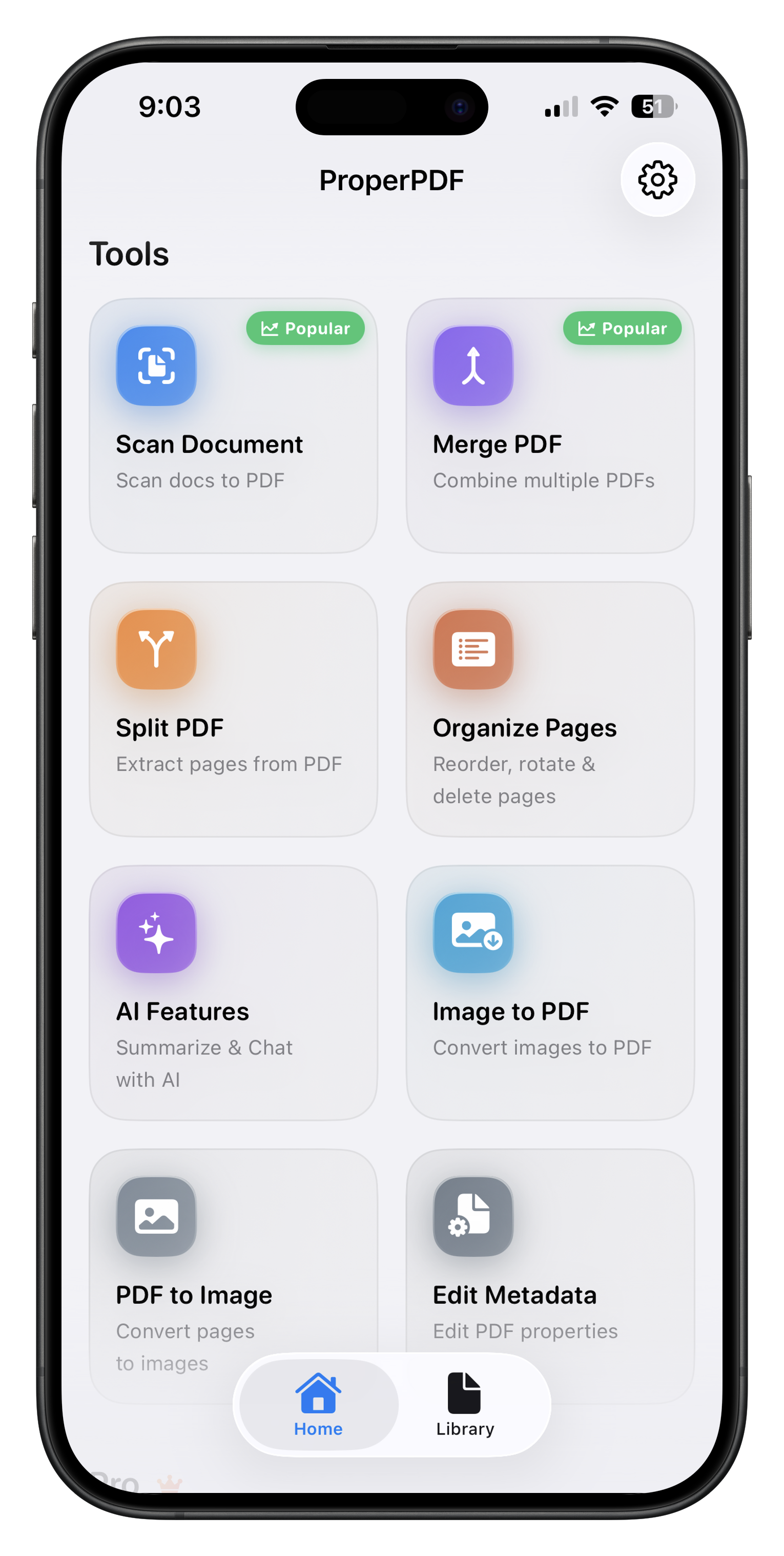
For PDF work without an internet connection, ProperPDF and PDFgear are the strongest picks on both iPhone and Android. ProperPDF does everyday jobs (scan, merge, split, compress, sign, lock) with no account. PDFgear is free and also edits text, but its AI needs a connection. On iPhone with iOS 26 or later, Apple's built-in Preview app covers scanning, signing, locking and inserting pages for free. On Android, Files by Google scans and annotates but can't merge or sign.
We make ProperPDF. The other apps are described from their own store listings, pricing and help pages, linked under Sources.
| App | Platforms | Price | Offline | Edits existing text |
|---|---|---|---|---|
| ProperPDF | iPhone, iPad, Android | Free; Pro from $3.99 a month or $29.99 once (US) | All tools; AI needs a one-time download | No |
| PDFgear | iPhone, iPad, Android, desktop | Free | Editing and page tools; AI needs internet | Yes |
| Apple Preview | iPhone and iPad (iOS 26+) | Free, built in | Built-in app | No |
| Files by Google | Android | Free | Scans save on the device | No |
| Foxit PDF Editor | iPhone, iPad, Android | Free; subscription for advanced tools | Not stated | Paid |
| Xodo | iPhone, iPad, Android | Free with watermark; subscription | Not stated | Not stated |
1. ProperPDF: everyday PDF jobs, no account
ProperPDF processes every file on the device and has no accounts and no ads. Scan, merge, split, organize and convert are free; merge and split add a watermark unless you have Pro, and on Android most free tools do. Compress, sign, fill forms and password protection need Pro ($3.99 a month, $19.99 a year or $29.99 once in the US, less in many countries).
Limits: it can't edit the existing text in a PDF, convert to Word, or add highlights and comments.
2. PDFgear: free, and it edits text
PDFgear says it is completely free, with no sign-up, ads or watermark, and it edits text and images and converts PDF to Word, Excel and PowerPoint. Its Android FAQ says editing and page management work offline, but the Copilot AI needs an internet connection because it uses OpenAI's ChatGPT API. Scanning is in a separate app, PDFgear Scan.
Limits: PDFgear's mobile listings don't mention password protection, and its Android page notes that some advanced options could cost money in the future.
3. Apple Preview: built into iPhone
iOS 26 added Preview to iPhone. It scans documents, fills and signs forms, inserts pages from another PDF (which is how you merge), rotates and reorders pages, locks a PDF with a password, and exports a smaller copy with a file-size slider. It's free and needs no account.
Limits: iPhone and iPad only, iOS 26 or later. Merging means inserting one file at a time into another, and Apple doesn't say how much the size slider shrinks a PDF.
4. Files by Google: scanning on Android
Files by Google scans pages into searchable PDFs saved on the phone, and lets you draw and highlight on a PDF. It's free.
Limits: Google's help pages list no merge, split, compress, password or signature tool. Saving an annotated copy uploads it to Google Drive.
5. Foxit PDF Editor
Foxit's free app opens, annotates, scans and fills PDFs, and adds handwritten signatures. Merging, compressing, password protection, OCR and editing need a subscription and a Foxit account. Foxit doesn't say which tools work offline.
6. Xodo
Xodo's free version covers reading, annotating, scanning and signing, but Xodo says the free version adds a watermark to documents. Its iOS listing puts merging, high compression and PDF to Office behind a subscription. Xodo doesn't say which mobile tools work offline.
How we compared them
We read each app's store listing, pricing page and help pages on 22 October 2026 and only list what the developer states. "Not stated" means we couldn't find it in their own documentation. Prices are US prices and change, so check the store before buying.
Questions
Which PDF app works best offline?
ProperPDF and PDFgear both work offline for their PDF tools on iPhone and Android. PDFgear is free and edits text; ProperPDF has no account and covers scan, merge, split, compress, sign and lock.
Is there a free PDF editor that works without internet?
PDFgear is free and its Android FAQ says editing works offline. On iPhone with iOS 26 or later, Apple's built-in Preview app is free and on-device.
How can I check whether a PDF app uploads my files?
Turn on airplane mode and run the tool. If it still works, the processing happens on your phone.
Sources
Checked 22 October 2026. Prices are US prices and change. ProperPDF uses regional pricing, so check the store for your local price.
- PDFgear website
- PDFgear for Android
- PDFgear on Google Play
- Apple: get started with Preview on iPhone
- Apple: add, delete, rotate or move PDF pages on iPhone
- Apple: export or compress PDFs on iPhone
- Apple: lock PDFs on iPhone
- Apple: fill out and sign PDF forms on iPhone
- Google: scan documents with Files by Google
- Google: annotate PDFs in Files by Google
- Files by Google help topics
- Foxit PDF Editor on Google Play
- Foxit mobile help: subscribe and activate
- Xodo plans explained
- Xodo on the App Store