

Adobe Acrobat Reader's free tier covers viewing, annotating and Fill & Sign, but merging, organizing pages, compressing, converting and password protection need a paid plan, and the Android app shows ads. If that's why you're looking: PDFgear is free and edits text; ProperPDF merges, splits and scans for free and sells Pro as a one-time purchase ($29.99 in the US); PDF Expert is the polished choice on iPhone and Mac; and iPhones on iOS 26 or later have Apple's Preview built in.
We make ProperPDF. The other apps are described from their own store listings, pricing and help pages, linked under Sources.
| App | Merge | Compress | Sign | Price |
|---|---|---|---|---|
| Adobe Acrobat Reader | Paid | Paid | Free (Fill & Sign) | Free; subscription |
| ProperPDF | Free, with watermark | Pro | Pro | Free; Pro $3.99 a month or $29.99 once (US) |
| PDFgear | Free | Free | Free | Free |
| PDF Expert (iPhone, iPad, Mac) | Premium | Premium | Free | Free; Premium $79.99 a year |
| Apple Preview (iOS 26+) | Insert pages from another PDF | Export with a size slider | Free | Free, built in |
| Foxit PDF Editor | Subscription | Subscription | Free (handwritten) | Free; subscription |
What Acrobat Reader does well
It's the most installed PDF reader (500M+ downloads on Google Play), Fill & Sign is free, and its paid plans edit text, export to Word, Excel and PowerPoint, and sync through Adobe's cloud. If you need those, the alternatives below won't replace it fully. Scanning lives in a separate app, Adobe Scan.
ProperPDF
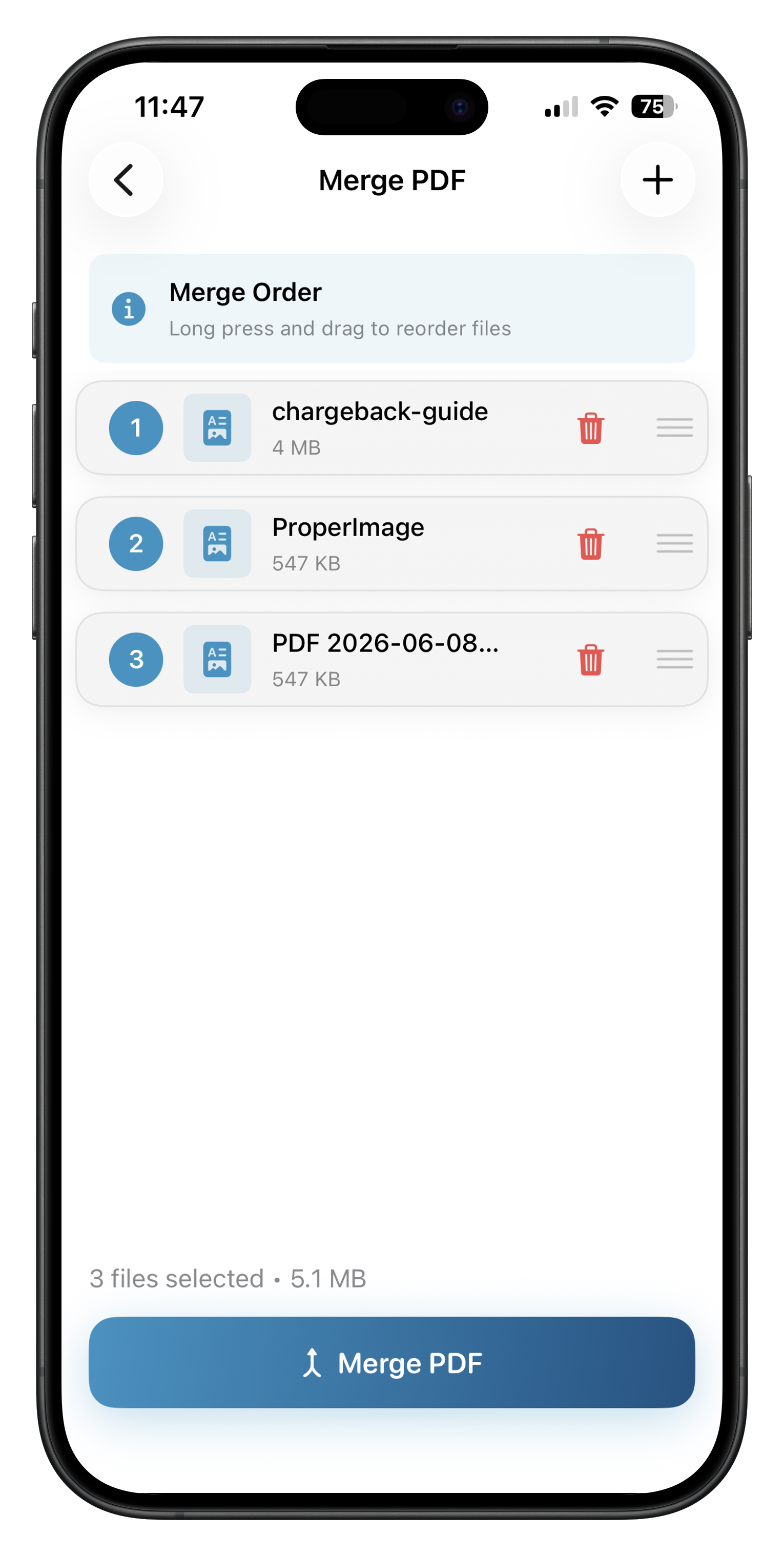
Merge, split, scan, organize and convert for free (with a watermark on some free exports), all offline, with no account and no ads. Compress, sign, fill and lock are Pro, and there's a lifetime option ($29.99 in the US, less in many countries) instead of a subscription. It doesn't edit text or annotate.
PDFgear
Free with no sign-up, ads or watermarks according to PDFgear, and it edits text and converts to Office formats. Its AI assistant needs an internet connection.
PDF Expert
iPhone, iPad and Mac only. Reading, annotating, and filling and signing forms are free; editing, merging, compressing, converting and the AI Copilot are Premium at $79.99 a year on Readdle's pricing page. Readdle's privacy notice says some AI features use OpenAI or Azure OpenAI.
Apple Preview
On iOS 26 and later, Preview scans, fills and signs forms, inserts pages from another PDF, locks files and exports smaller copies, for free.
Foxit PDF Editor
Free for viewing, annotating, scanning, filling forms and handwritten signatures. Merging, compressing, password protection and OCR need a subscription, which you activate by signing in to a Foxit account.
Questions
Is there a free alternative to Adobe Acrobat on mobile?
PDFgear is free with no stated limits. ProperPDF's merge, split, scan and convert tools are free with a watermark. On iPhone with iOS 26 or later, Apple's Preview app is free.
Can I merge PDFs for free without Acrobat?
Yes. PDFgear merges for free, ProperPDF merges for free with a watermark, and Apple's Preview can insert pages from one PDF into another on iOS 26 or later.
Does Adobe Acrobat Reader have ads?
Its Google Play listing says it contains ads. ProperPDF and PDFgear don't show ads.
Sources
Checked 22 October 2026. Prices are US prices and change. ProperPDF uses regional pricing, so check the store for your local price.
- Adobe Acrobat Reader on the App Store
- Adobe Acrobat Reader on Google Play
- Adobe Acrobat mobile app FAQ
- Adobe Reader FAQ (scanning)
- PDFgear website
- PDF Expert on the App Store
- PDF Expert pricing
- PDF Expert app privacy notice
- Apple: get started with Preview on iPhone
- Apple: add, delete, rotate or move PDF pages on iPhone
- Foxit PDF Editor on Google Play
- Foxit mobile help: subscribe and activate